Start every day with a clear plan





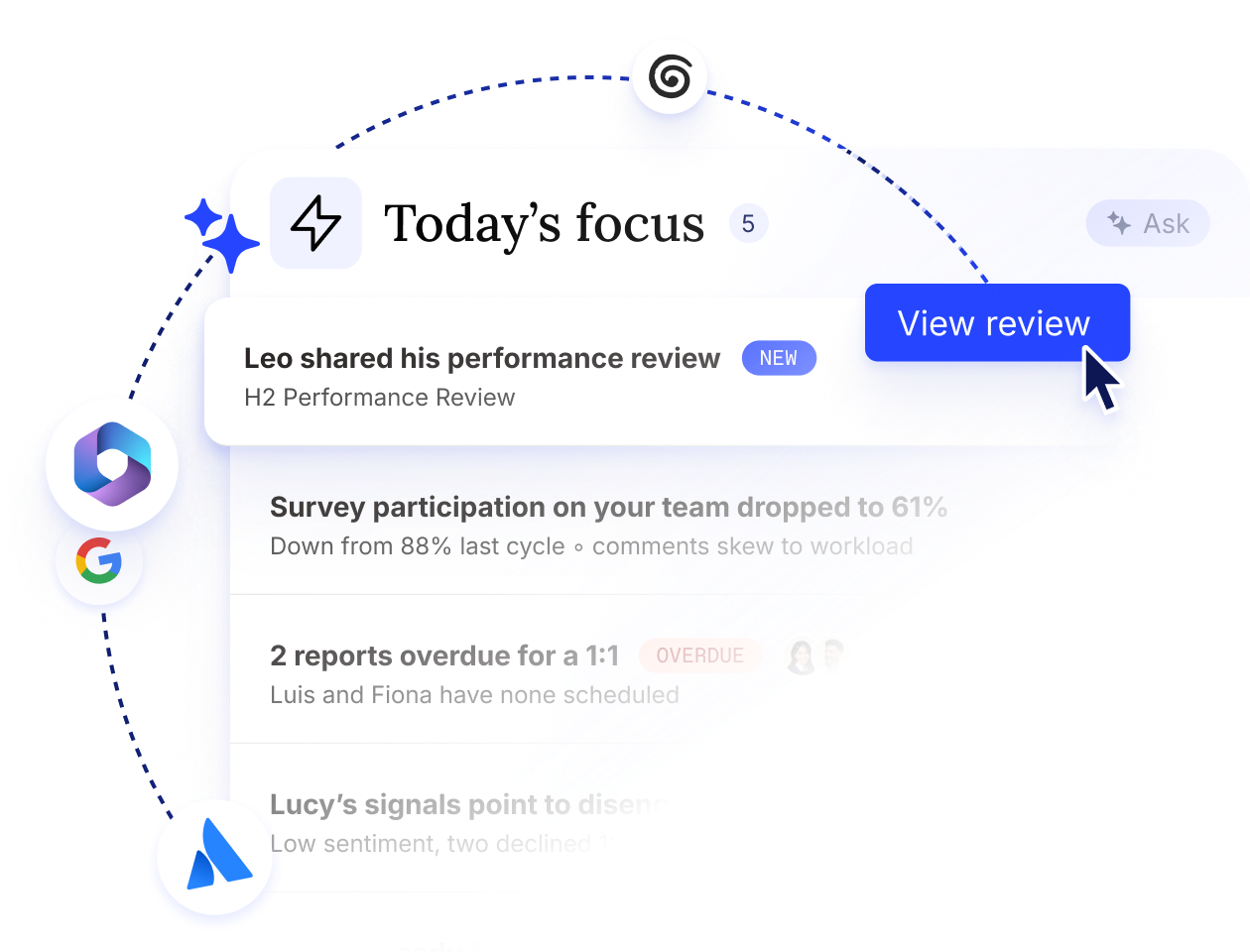
Workleap reads, prioritizes, and organizes.

Assembles managers day
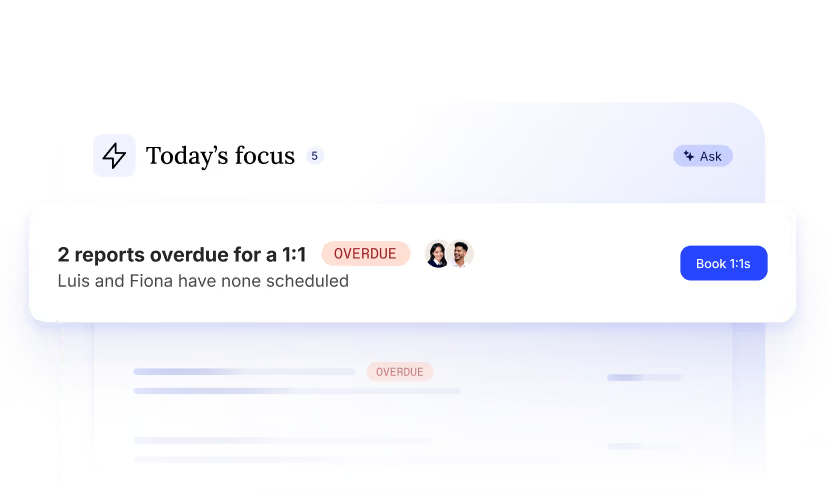
Keeps priorities straight

Proposes the next move
Stay on top of things, without a mess of open tabs
Before Workleap
- Managers miss what's pending, and lead on instinct.
- Managers can't spare the time to plan properly.
- The loudest issue gets attention. Priorities get lost.
- Important, uncomfortable work is easily avoided.
- Small tasks slip through and pile up.
.svg)
After Workleap
- Managers always have a clear view of their tasks.
- Managers’ week automatically gets planned.
- Tasks are always prioritized by impact, with context.
- The most important work is always next in line.
- Small things get caught and flagged in time.
Shape how Workleap guides managers, day in, day out.

Weekly briefing
- Pulls insights and to-dos from engagement, goals, meetings, recognition, plans, and your tools.
- Surfaces blockers, overdue follow-ups, and projects in motion.
- Draws on people’s profiles to create highly relevant and contextual to-dos, not a generic summary.
%201.svg)


Daily briefing
- Adjusts to what managers flag. Tell Workleap to dismiss a point, and the next briefing will reflect it.
- Follows up on open items as the day progresses, so nothing waits on a manager's memory.
- Tunes to each manager's rhythm and priorities.


We play nice with the tools you love
We connect to the tools you use, from your HRIS to your favorite LLM. Workleap is always where your managers are.
Explore all integrationsOver 70,000 leaders worldwide choose Workleap



Let’s turn your managers into leaders
Goals
Meetings & 1:1s
Performance reviews
Action plans
Good Vibes
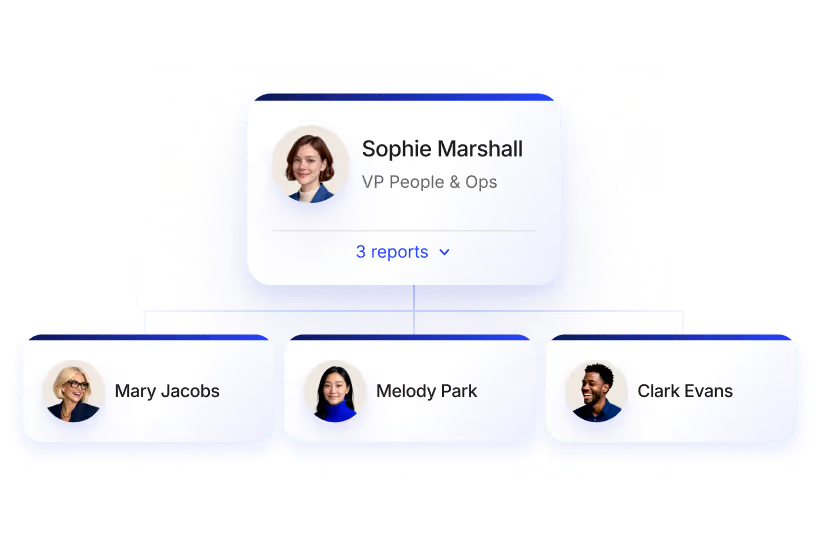
People & Org
Team health & feedback
Stop leaving leadership *to luck.*
Everything you need to know about Briefing
A manager briefing is a single daily summary that tells a manager what to know, what to do, what's blocked, and which meetings are already prepped. Workleap composes it automatically each morning, so you start the day a step ahead instead of reconstructing the picture yourself.
A good manager briefing pulls together insights, to-dos, team blockers, overdue follow ups, projects in motion, and prepped meetings in one place. In Workleap, the briefing composes all of this from every module automatically, so nothing important gets missed.
A dashboard shows managers data to interpret. A manager briefing does the interpreting for you. Instead of reconstructing the picture across a dozen tabs, Workleap assembles everything into one surface and proposes the next action, so seeing a problem and acting on it happen together.
Both. A Workleap manager briefing surfaces what needs your attention and proposes the next action, so small things stop falling through the cracks and compounding into bigger problems.
New managers usually spend weeks piecing together team dynamics from memory and asking around. Workleap gives them a complete read in seconds: who's on the team, what they're working on, and how they connect, so a new manager understands their team on day one instead of week three.