How Workleap works
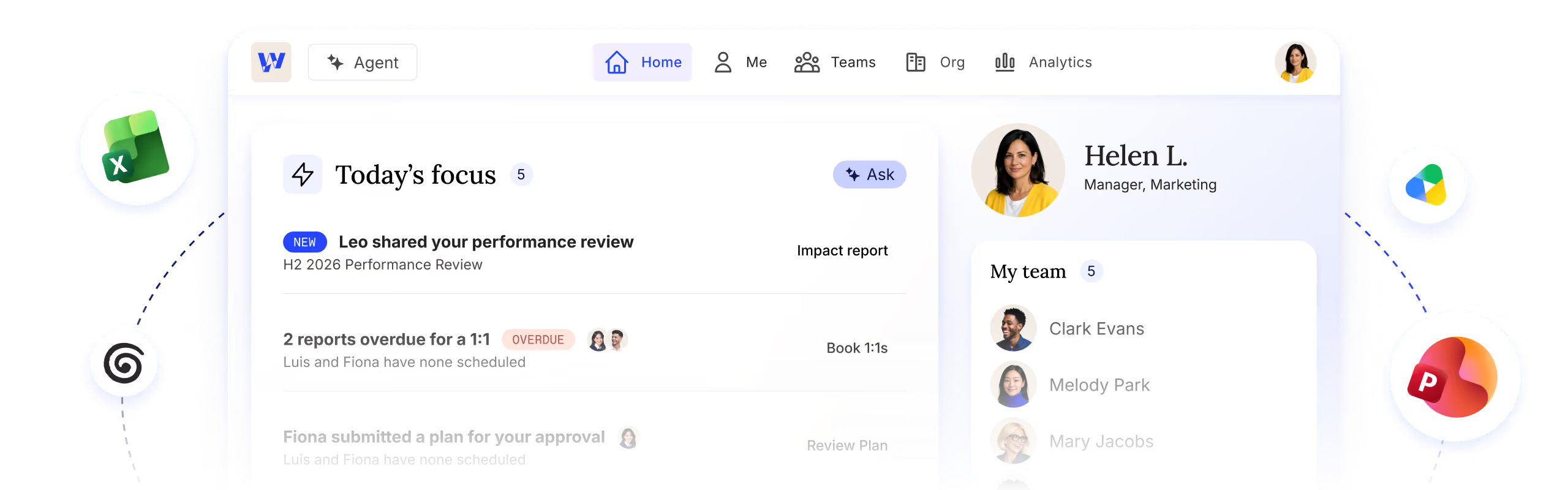
Workleap is an AI agent built to make your managers better at their jobs. Think of it as a member of your team with the skills to accomplish many different tasks for managers. From time-consuming (and boring) jobs to analytical and strategic work, Workleap has it covered.
Over 70,000 leaders worldwide choose Workleap





THE FOUNDATION
Workleap makes people data useful
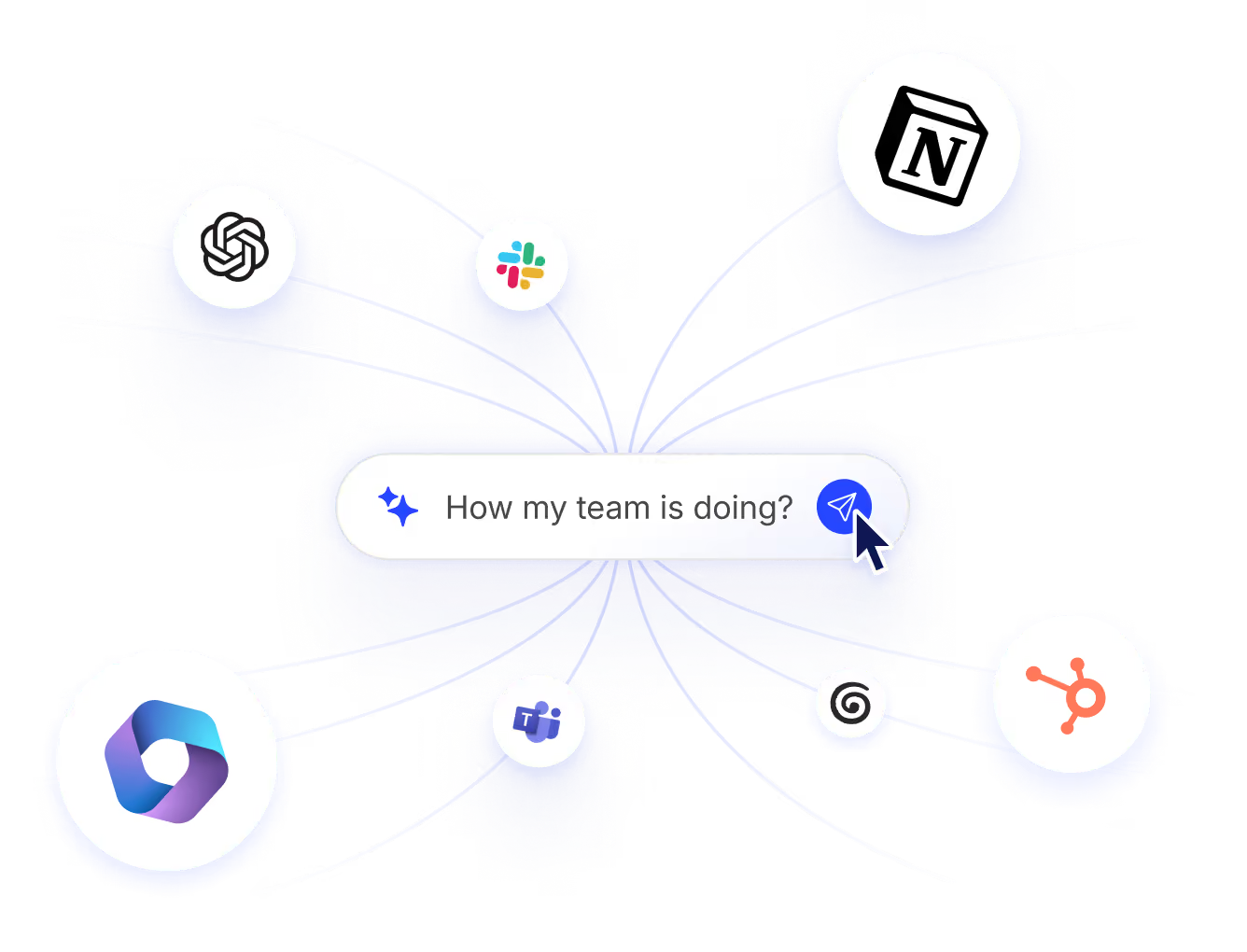
Workleap is always working in the background, making sure that managers understand their team context well. It is tuned to find employee signals across the tools your teams use every day and to give you a complete view of how your business and your people are doing. Workleap gets data from many sources.

Its own capabilities
Rich data from reviews, one-on-ones, goals, engagement results, recognition, and sentiment analysis that bring more texture to your people signal.
Your HRIS
Roles, reporting lines, tenure, and employment history, kept current and used to map out how work happens in your organization.
Your other tools
We keep an eye on signals coming from tools like Slack, Teams, Jira, Confluence, or Notion, to make sure that nothing important slips by managers.
HR sets the standard for every plan.
Our collection of skills ensures Workleap always follows best practices, and HR's specific rules, when building and maintaining plans.
Workleap takes work off your managers' plates
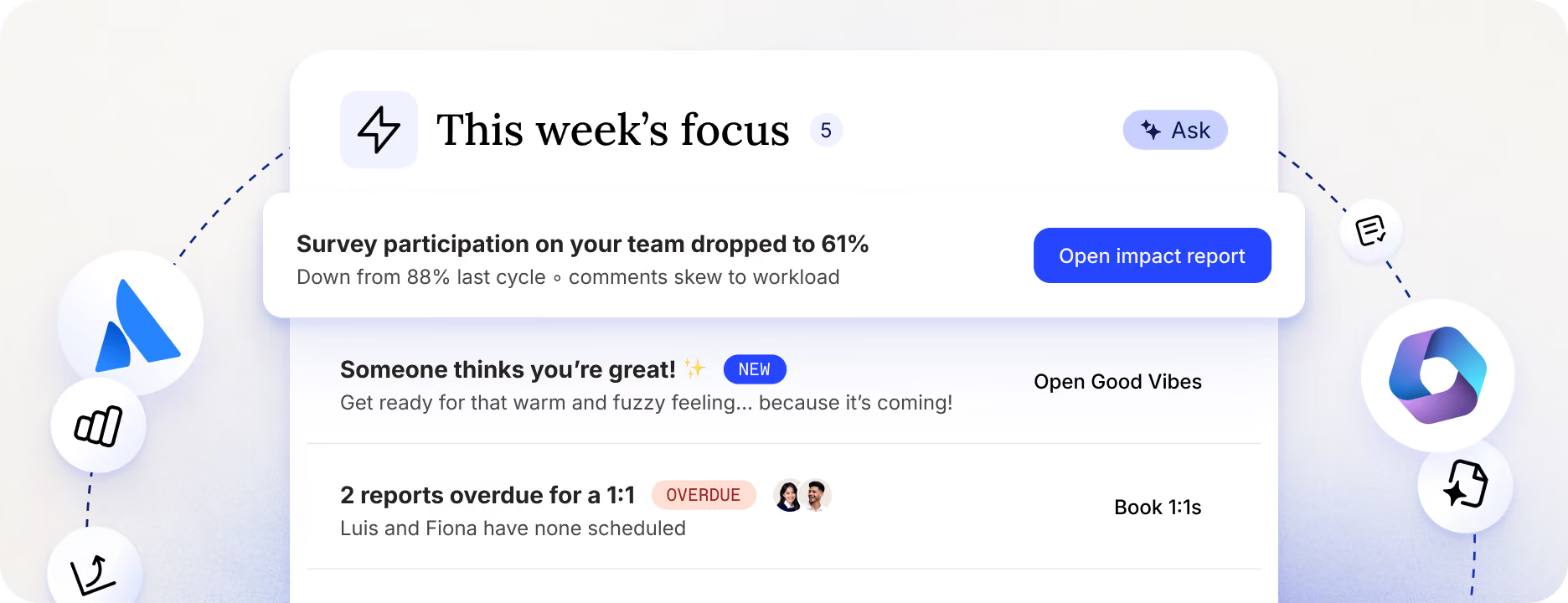
You can think of capabilities as tools Workleap agent uses to tackle essential parts of management jobs. They work in the background, get your teams involved, and feed into one another to create a unique, unified experience for your managers to lead from.
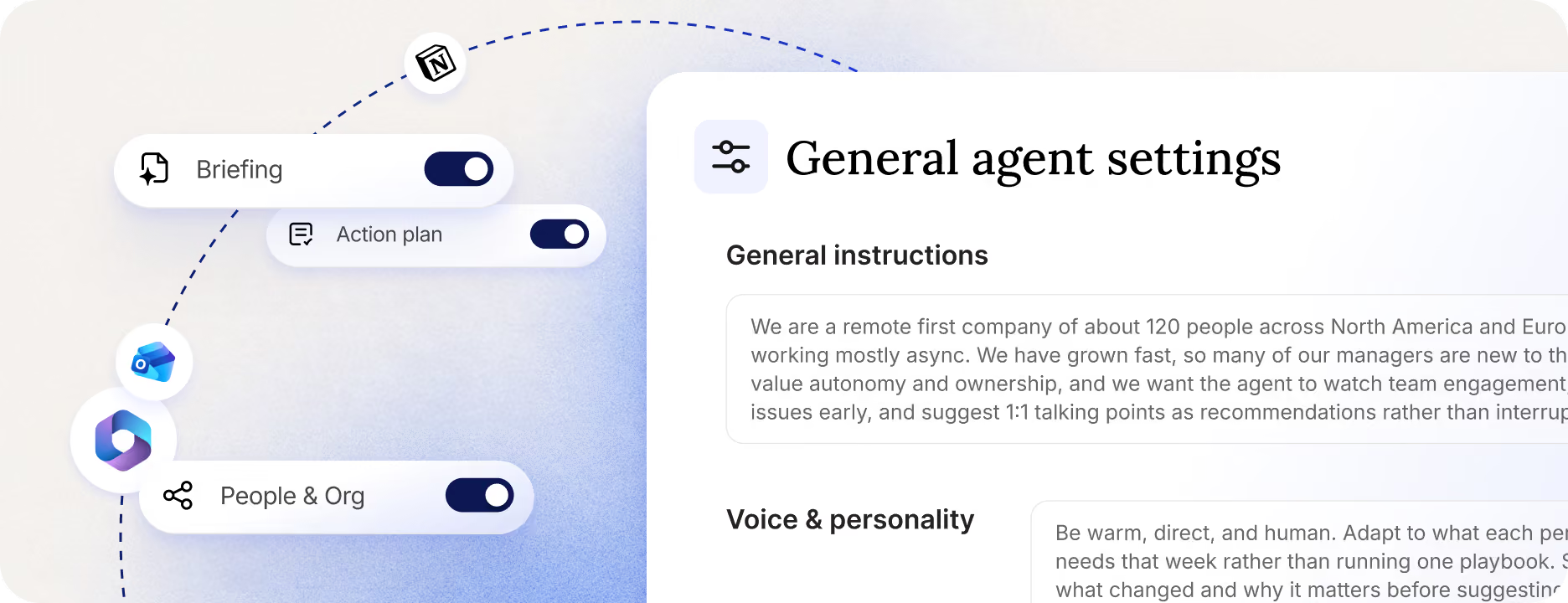
Workleap gets work done the way you want it
Capabilities are as powerful as the skills that run them. Skills are Workleap’s secret sauce. See them as powerful sets of instructions that govern how Workleap interacts with your managers, the data it can access, and the best practices it must follow at every step. It’s what separates a “do it all” LLM from an HR agent built specifically to support managers in a business environment.
- Great out of the box: Our skills are tuned to industry best practices and 15 years of proprietary behavioral data. You can set it, forget it, and trust that you’re doing the right things.
- Better with HR: Skills are easily adjustable and made to follow your management playbook to the T. Each time you modify a skill, Workleaps will follow suit and give you the exact experience you are looking for.
THE CUSTOMIZATION
An agent built to be shaped by HR
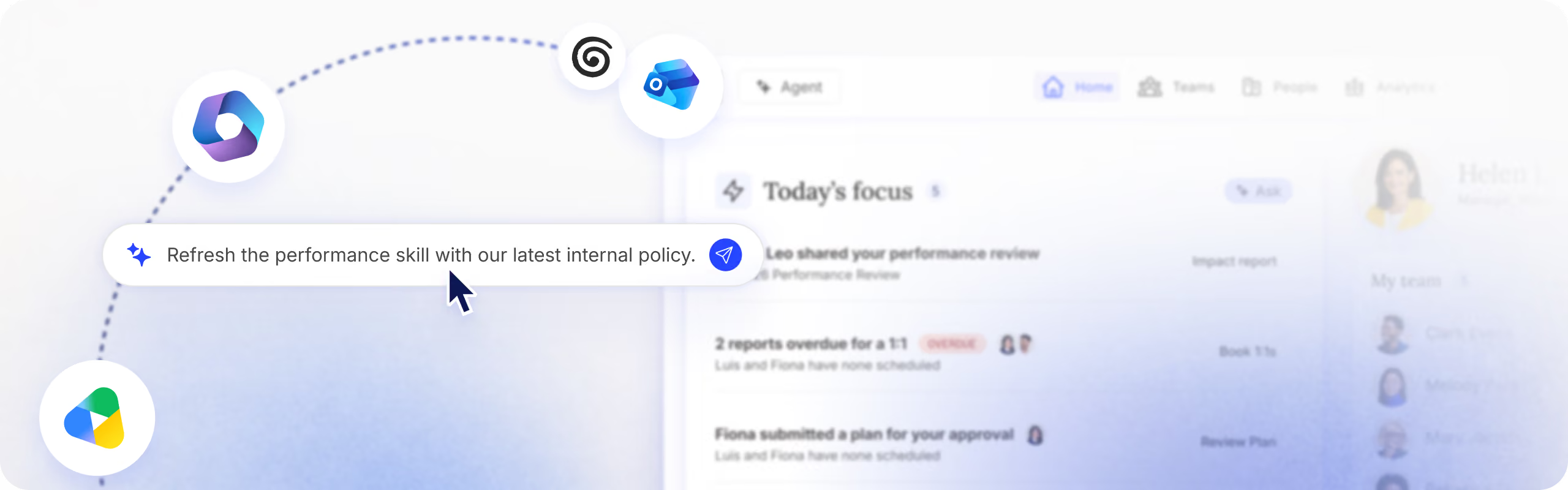
Every organization has its own way of doing things. That’s why we’ve made it easy for HR to control how Workleap operates through skills. At any time, you can access a skill and update it in minutes using plain text instructions. Whatever the policy, restrictions, cultural cues, or tone of voice you want Workleap to apply, it will do so.
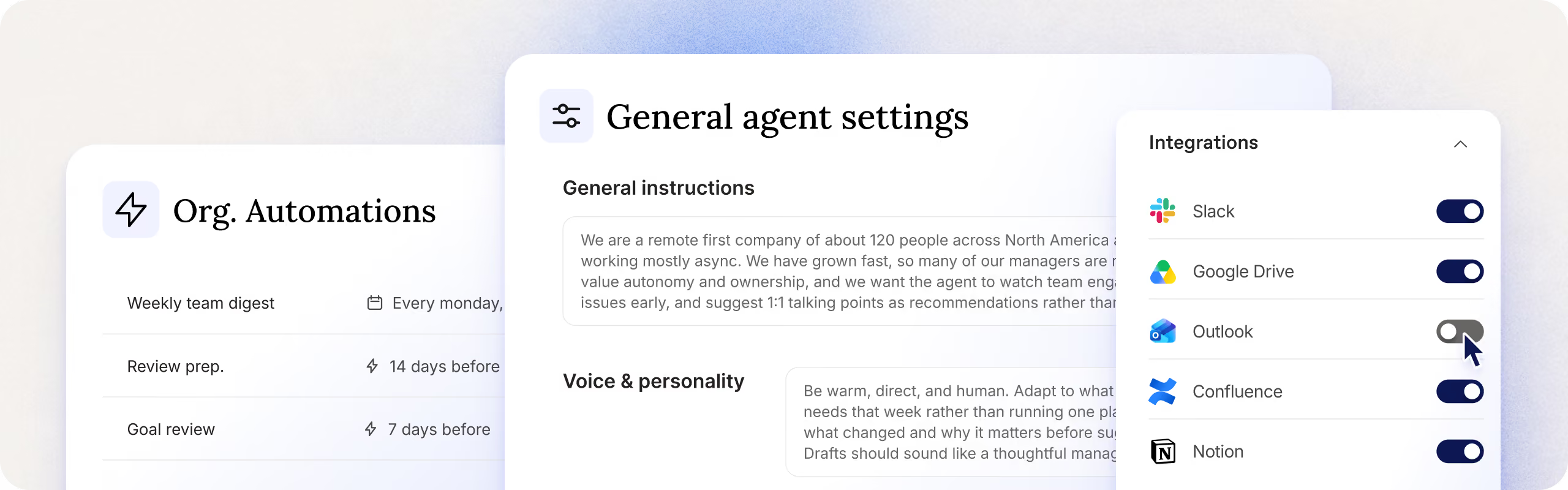
Standards
What "great performance" means, what questions should be asked in reviews, at what frequency surveys should go out, or even context on how your career ladder works.
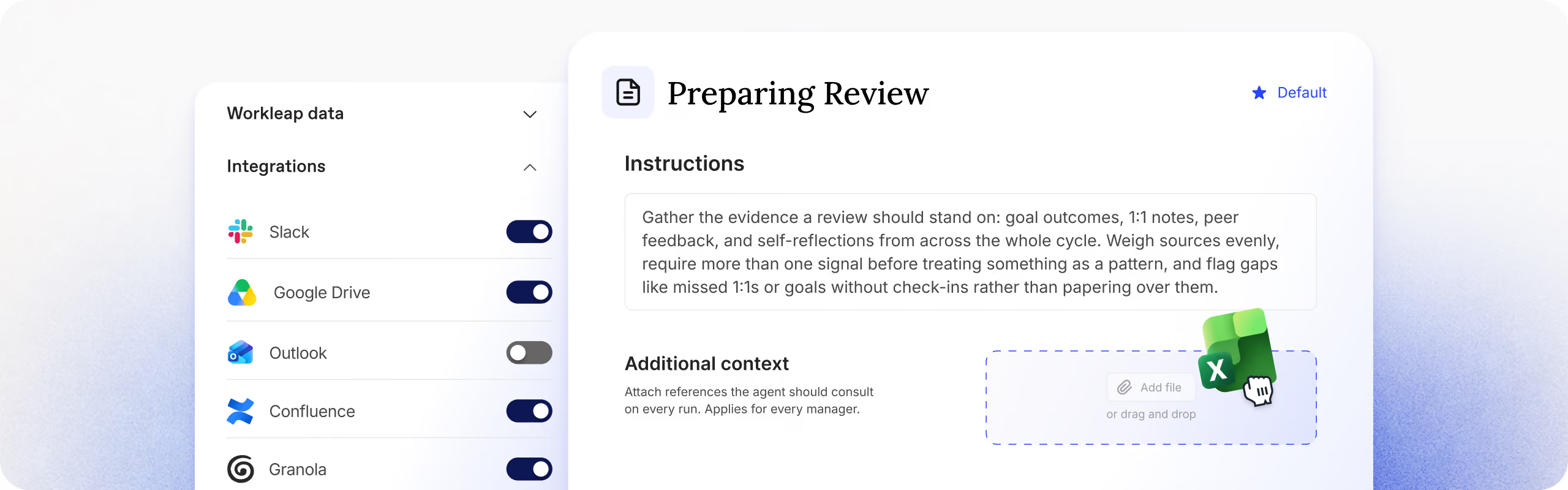
Guardrails
What data can be accessed, who can see what, what language should be used, what documents Workleap works from.
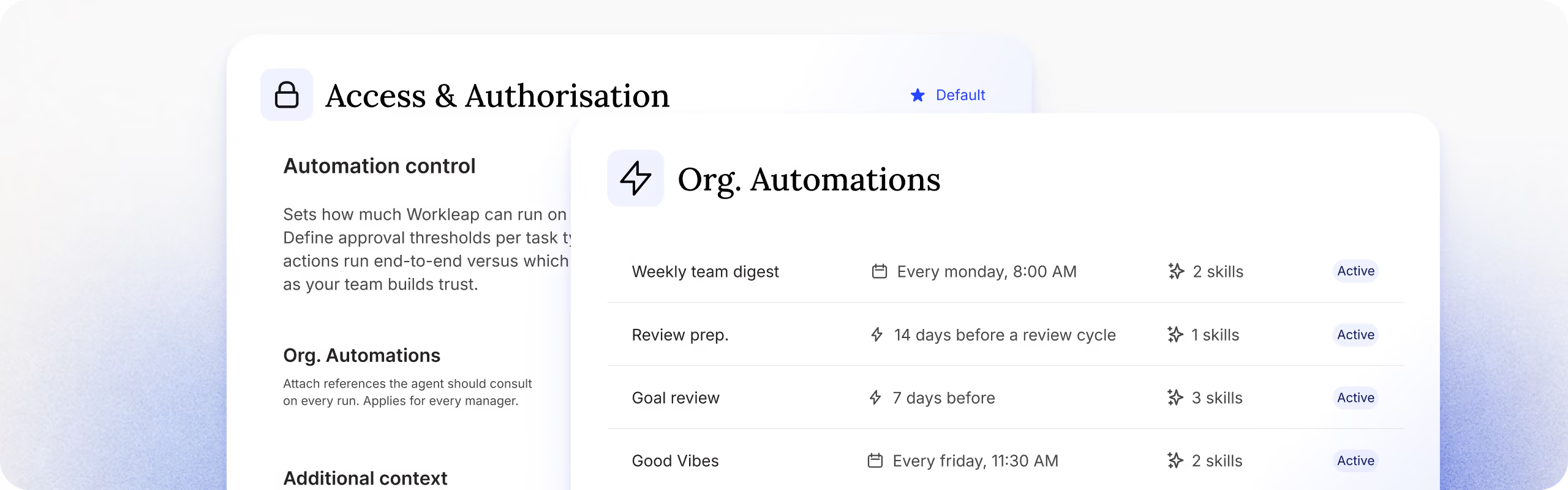
Approvals
How many people need to approve before Workleap moves on with a task? What can be done autonomously, and what needs a checkpoint?
THE EXPERIENCE
Workleap is made to be loved
We believe people get more out of beautiful products, so we made Workleap beautiful. Paired with its proactivity and its integration with managers' workflows, Workleap is the only tool a leader needs to get time back, always know what to do, have more impact, and lead high-performing teams.
- Meets managers where they work: With our MCP, Workleap can be used from Claude, ChatGPT or Gemini. Your managers prefer Slack? We are there too.
- One experience, not a suite: One login, one navigation, one experience across everything.
- Intuitive by design: We take great pride in creating a streamlined experience that keeps people coming back.
The Compounding Loop
Workleap gets sharper the more you use it
Workleap is always learning. That means that from one task to the next, it will pick up new things about managers, their team, and their preferences and use that information to be more relevant and helpful. That’s what we call the loop. Every cycle, Workleap gets better. The loop can take many form.
HR updates a skill:
Workleap automatically updates all of its tasks and interactions to fit the new standard.
Managers correct a draft:
Workleap remembers the nature of the correction and remembers it as the new bar to clear.
A recurring 1:1 is booked:
Workleap tracks talking points, follows progress, and makes every meeting feel like a conversation you’re picking up.