Find what's slowing your team down




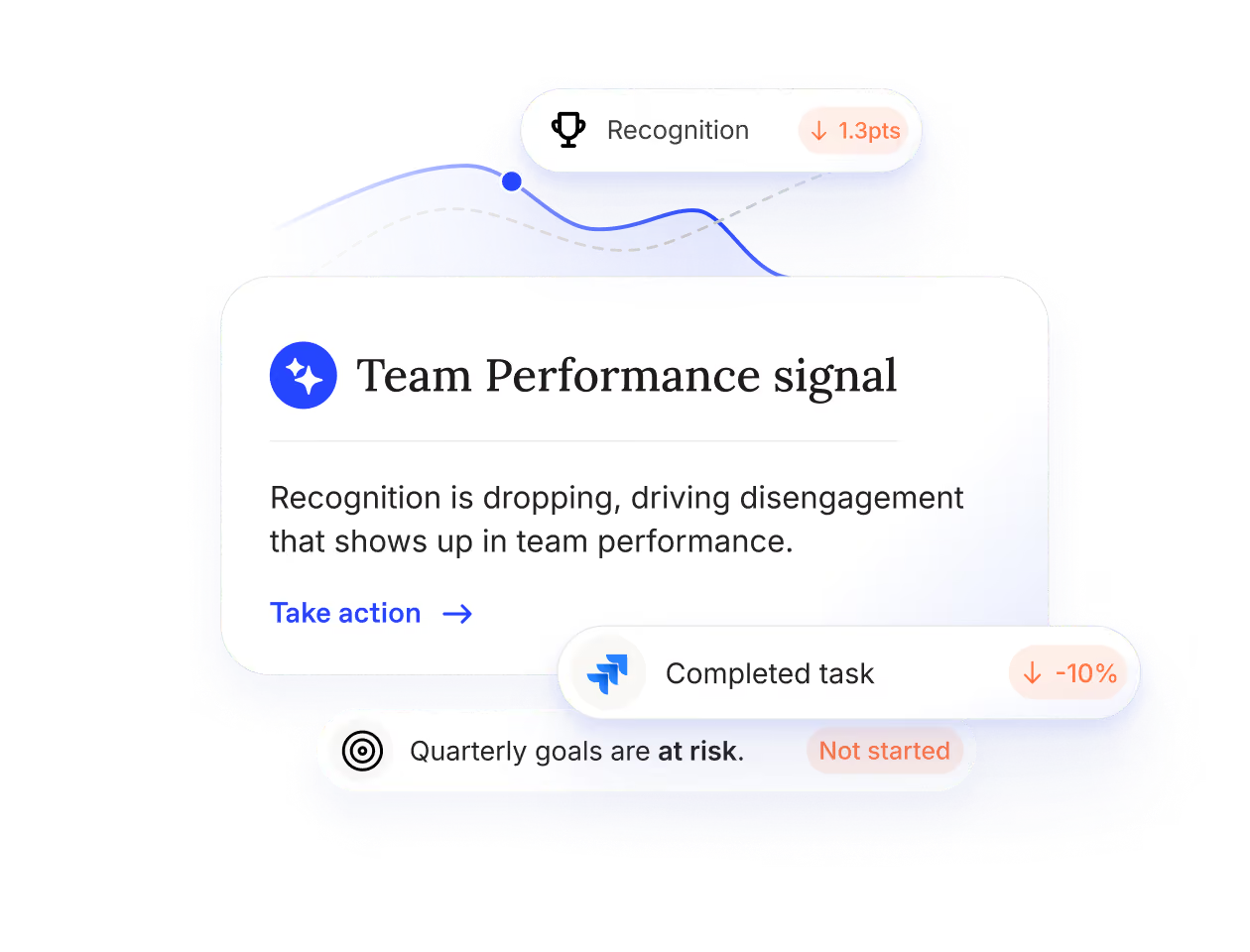
Workleap manages surveys, feedback loops, and reporting.
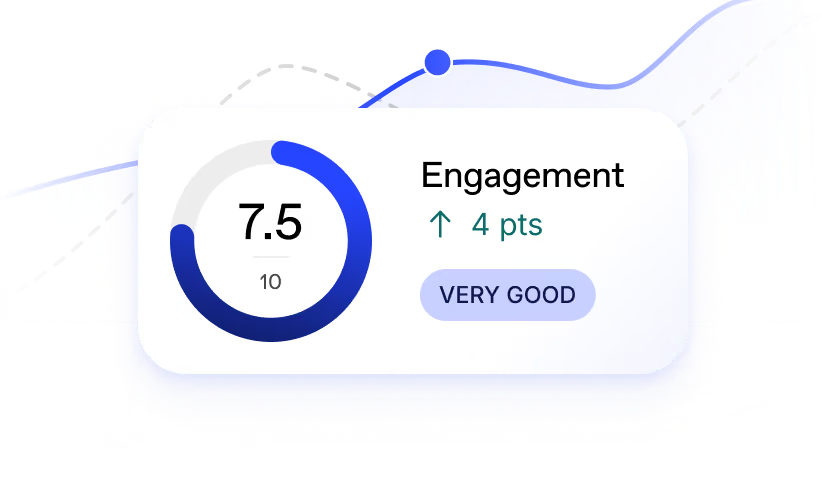
Understand your people
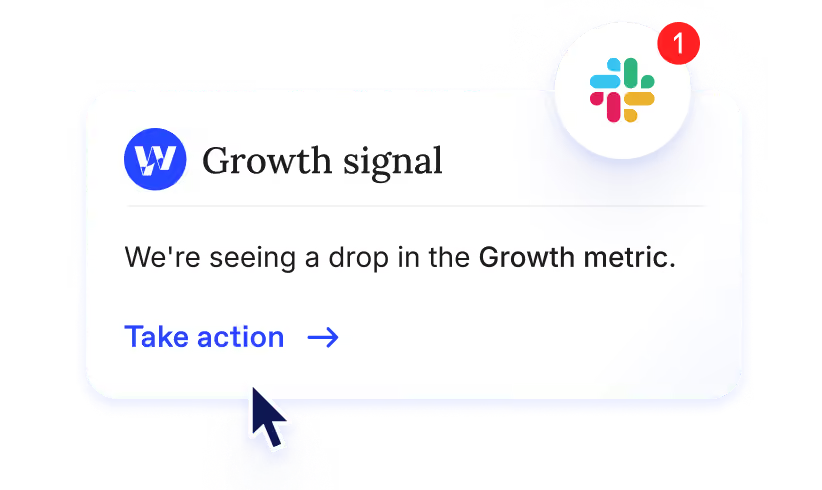
Catch issues fast
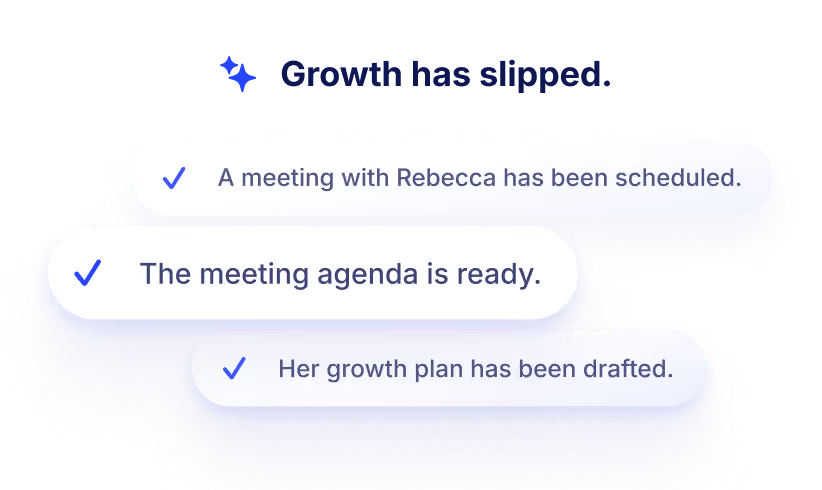
Know what to do about it
Keep your teams engaged and ready to perform
Before Workleap
- Teams keep concerns to themselves.
- Feedback and surveys are scattered across tools.
- Problems only surface at boiling point.
- Dashboards report on things, then leave you stuck.
- Every manager evaluates their team differently.
.svg)
After Workleap
- Anonymous feedback surfaces the unsaid.
- Every signals live in one place, ready to go.
- Issues are flagged before they balloon.
- Reporting always come with next steps and planning.
- Managers use the same criteria to gauge their team.
Fine tune how Workleap reads your business
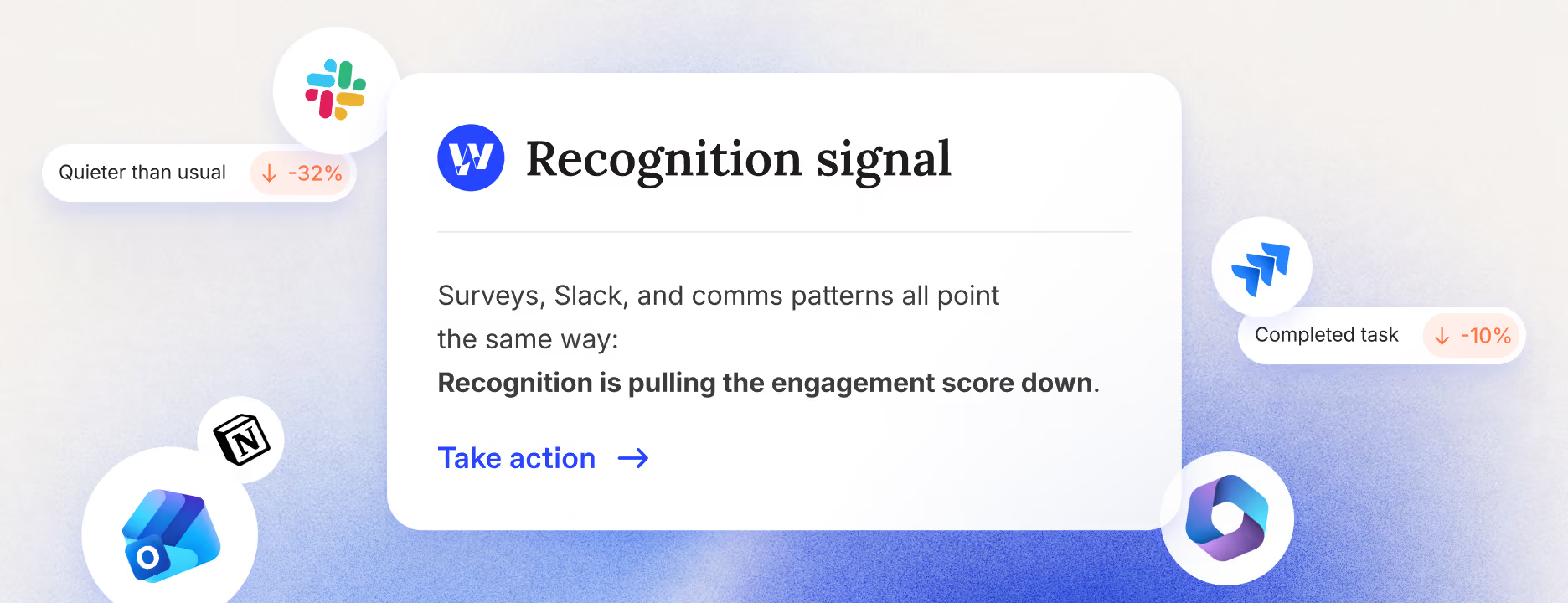
Team Health
- Reads scores, surveys, and feedback. Dig through the metrics and sub-metrics that make sense.
- Catches patterns in engagement signals.
- Follows HR's guidelines on what deserves actions and planning.


%201.svg)

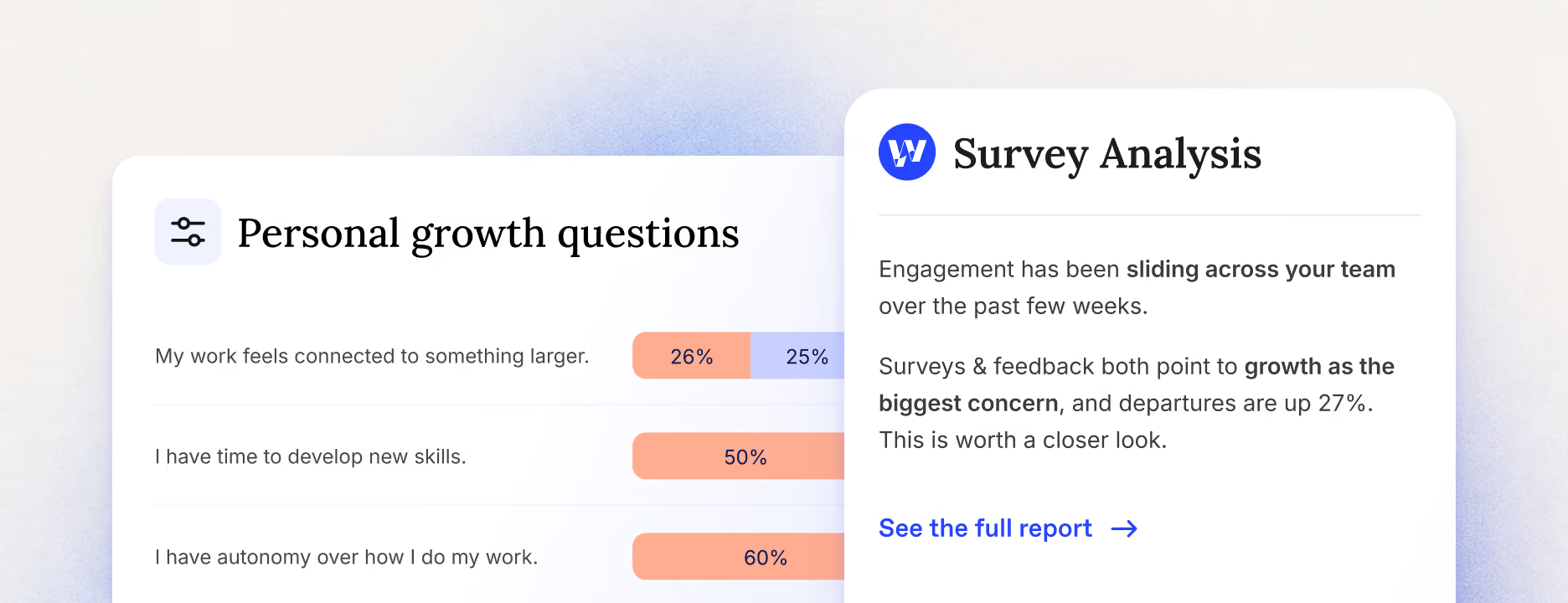
Summarizing survey
- Analyses survey results and feedback as they arrive, pulls out business-relevant themes, and generates insights.
- Preps reports, briefs, and exec communication in minutes.
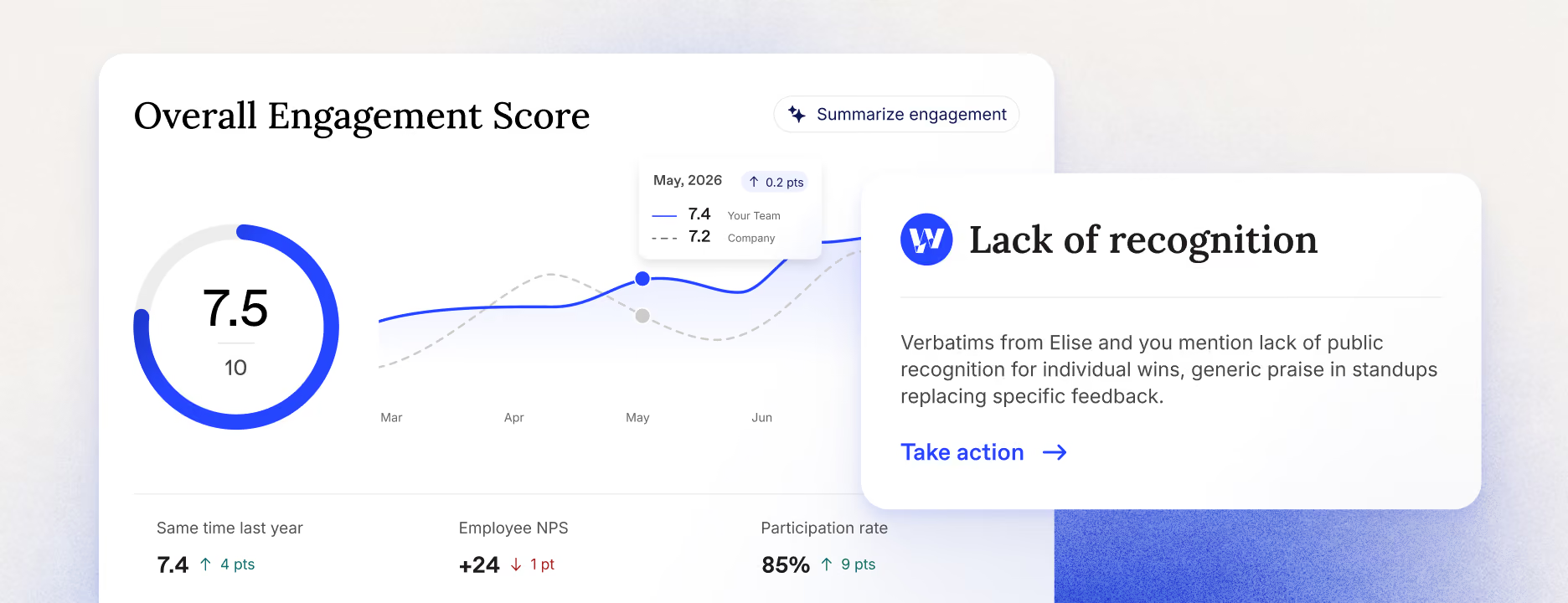
Summarizing engagement
- Provides context for eNPS movement.
- Compares team's trend against the org or a benchmark before you plan.
- Lets you dive deep into sub-metrics with a simple conversation.
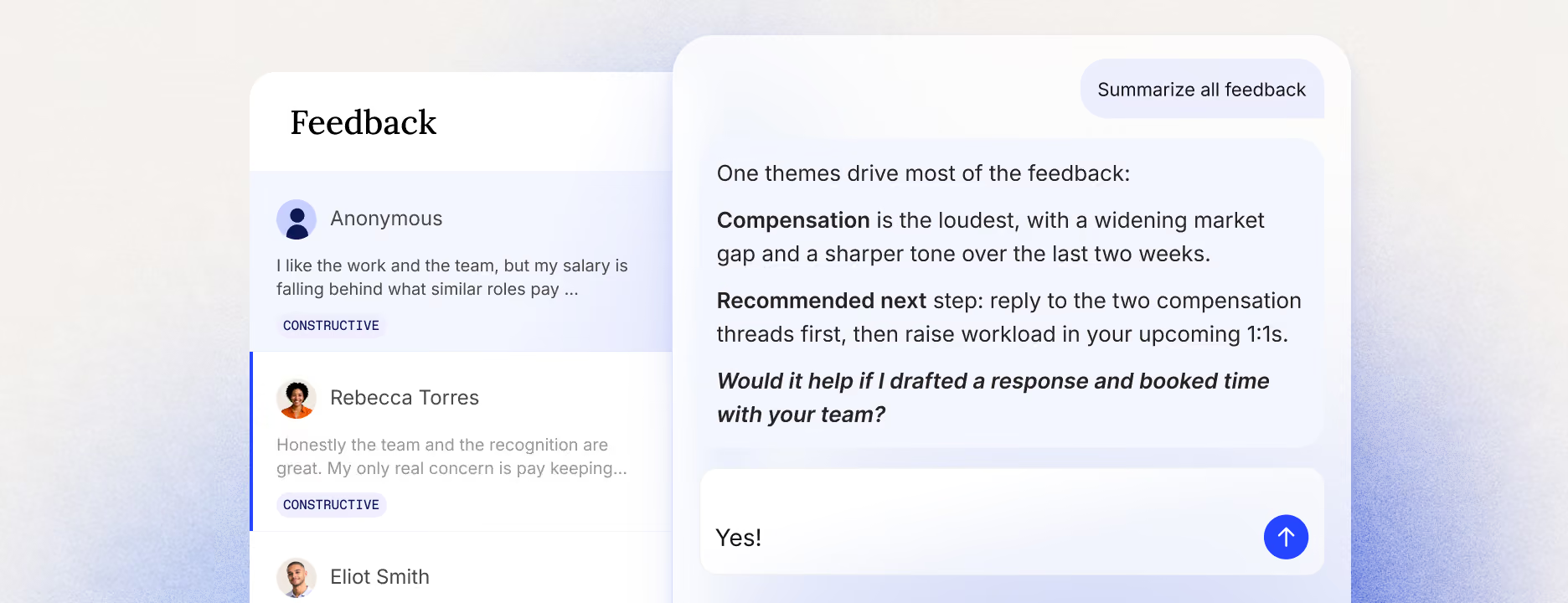
Summarizing feedback
- Watches sentiment on specific topics and how it shifts over time.
- Keeps up with high volumes of feedback and makes answering manageable.
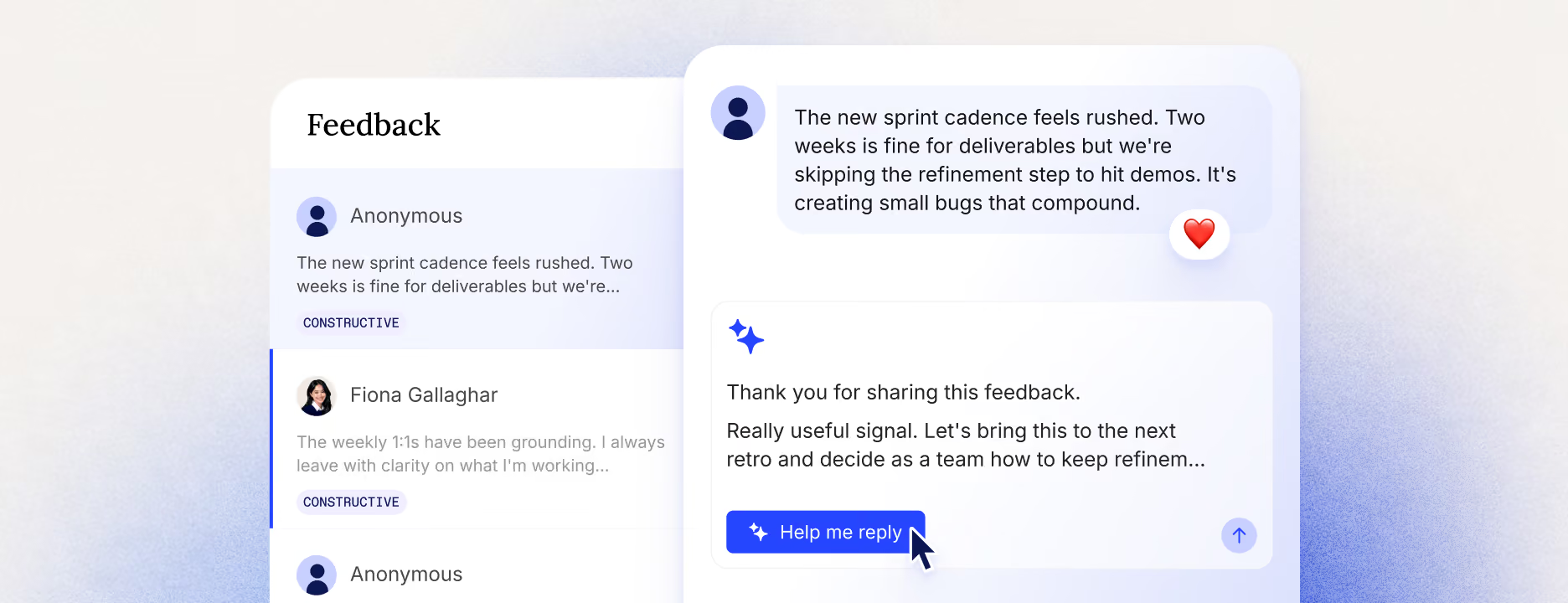
Replying to feedback
- Follows your org guidelines and conversation style.
- Makes sure answers are rooted in the right context.
- Nudges managers into action.
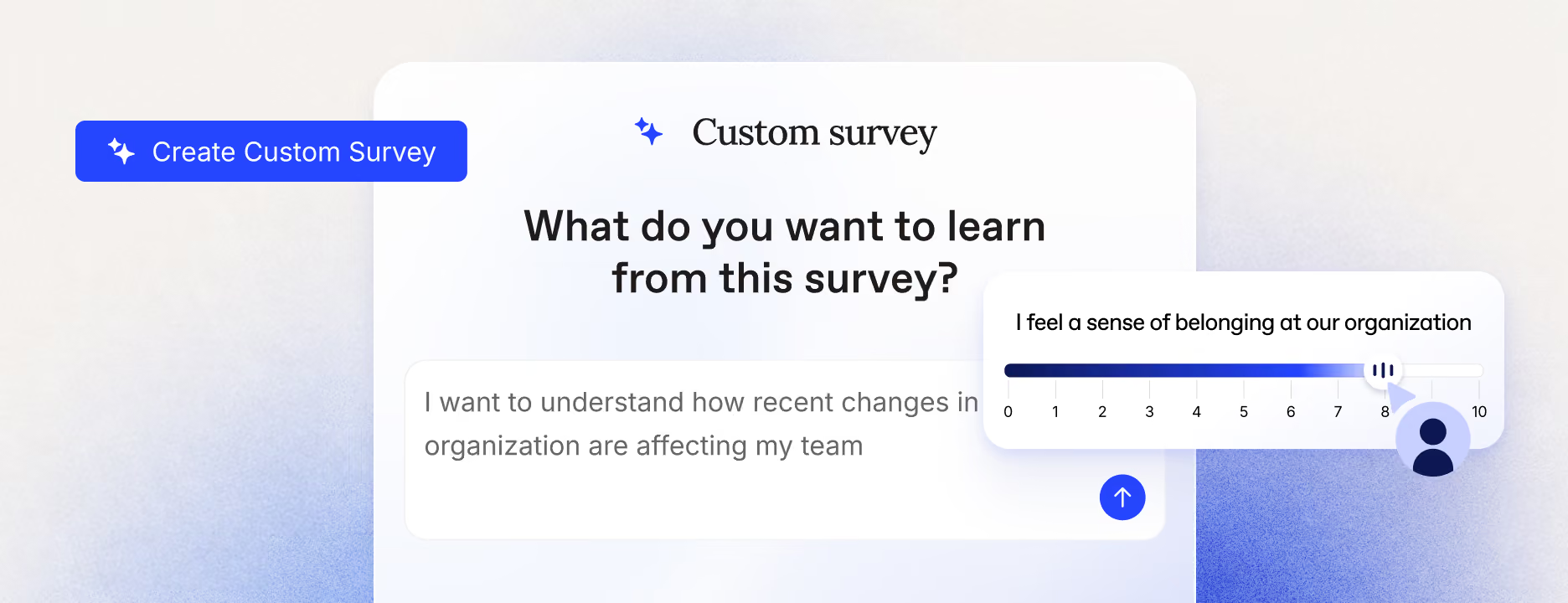
Creating survey
- Drafts fast, unbiased pulse check when a risk surfaces.
- Proactively drafts surveys to support a flagged issue.
- Adapts to your specific rules and feedback culture.
Know what your team is good at and what's holding them back
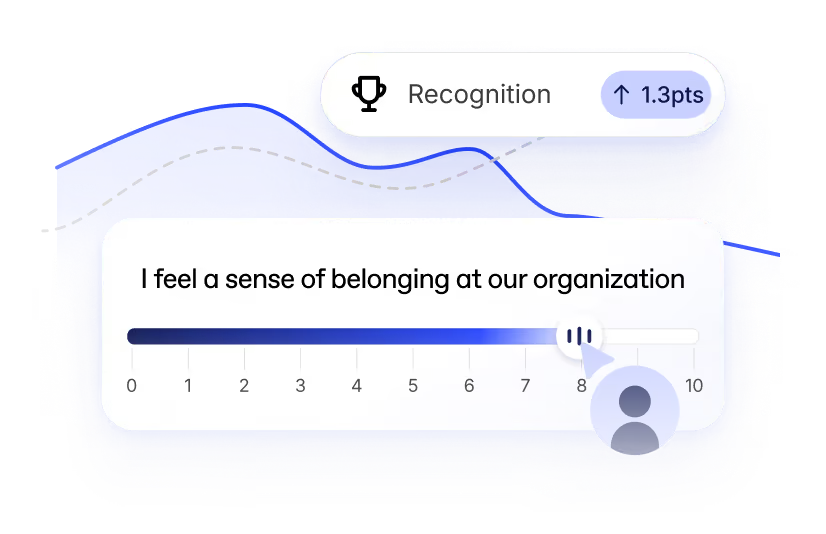
Pulse surveys
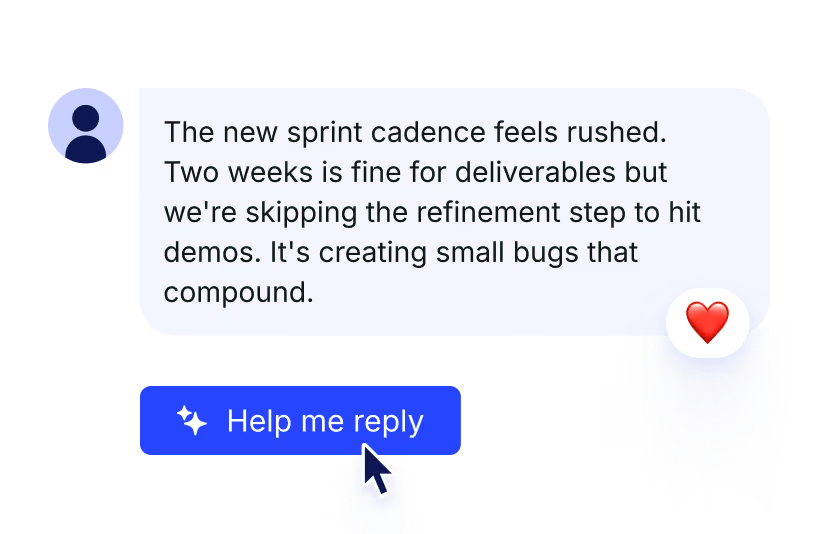
Anonymous feedback
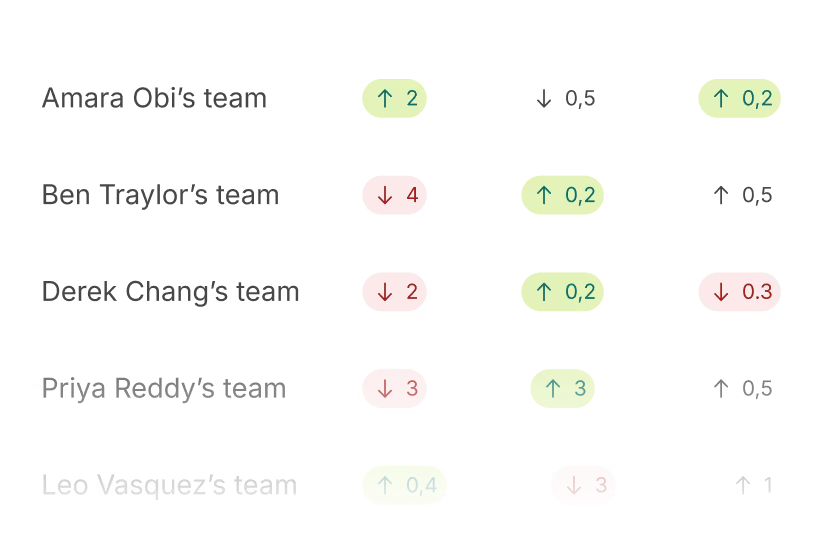
Heatmap
Custom surveys
Sentiment analysis
Industry Benchmark
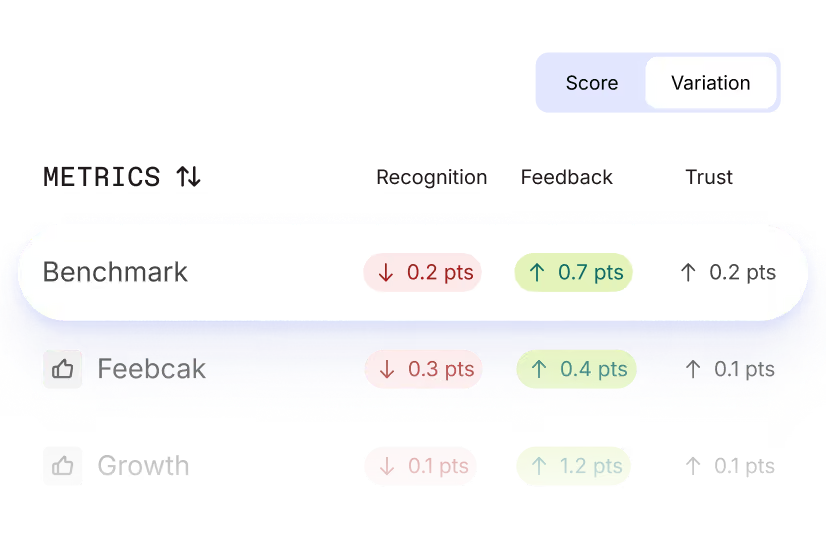
Onboarding and exit surveys
Manage questions & delivery
eNPS
Advance reporting
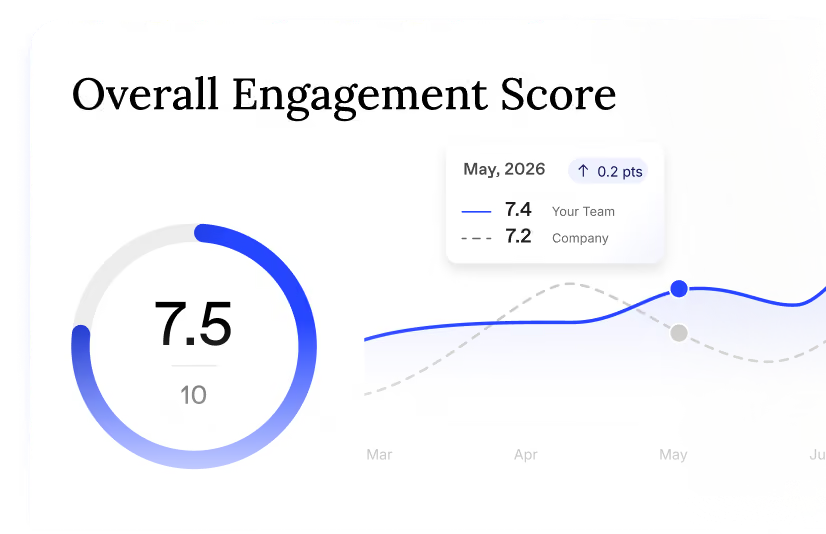
Feedback topics & Response rate
Multilingual surveys


We play nice with the tools you love
We connect to the tools you use, from your HRIS to your favorite LLM. Workleap is always where your managers are.
Explore all integrationsOver 70,000 leaders worldwide choose Workleapworldwide



Let’s turn your managers into leaders
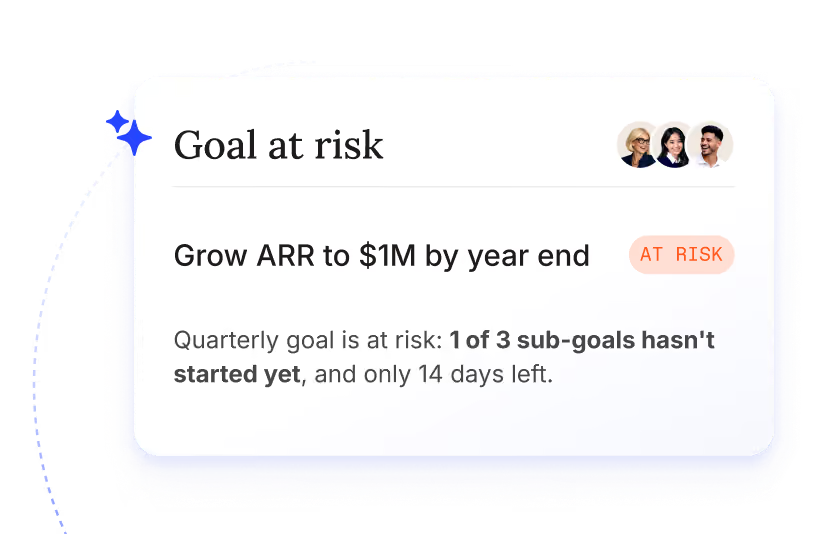
Goals
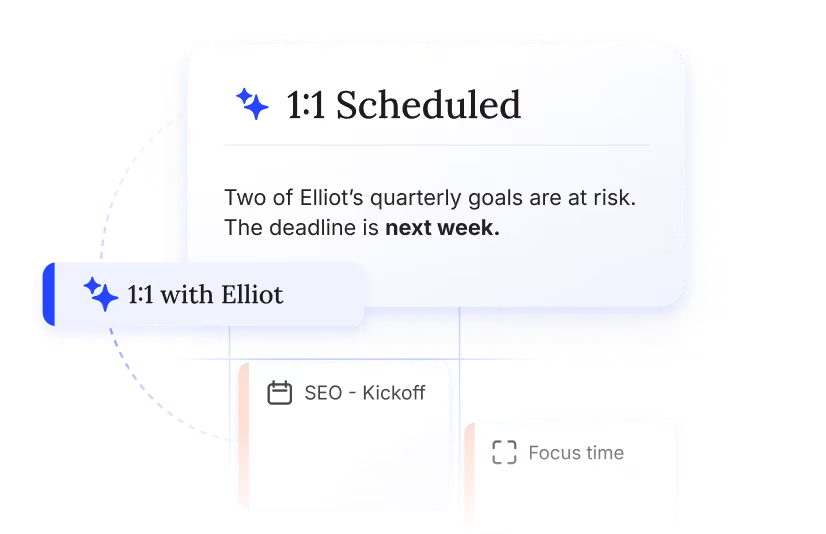
Meetings & 1:1s
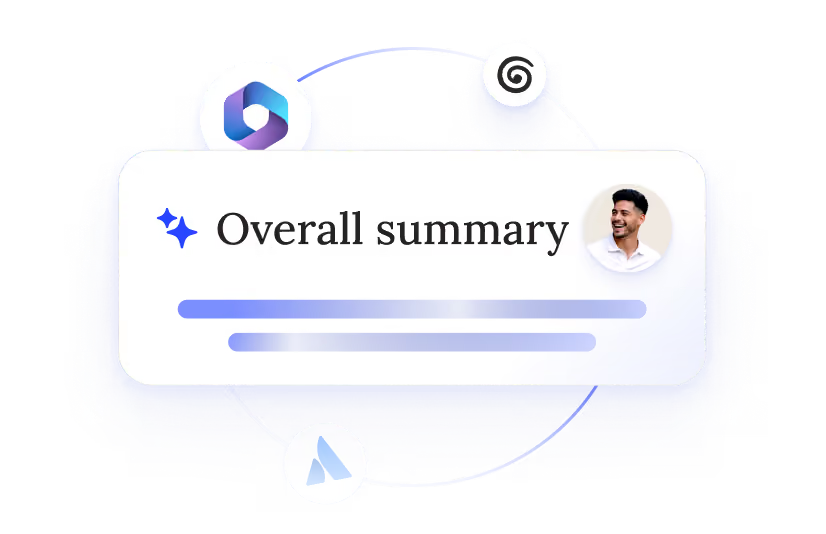
Performance reviews
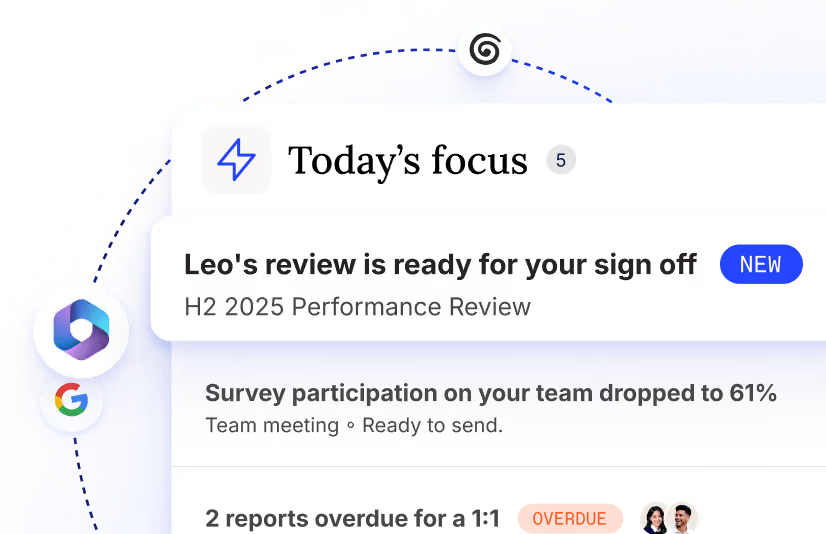
Briefing
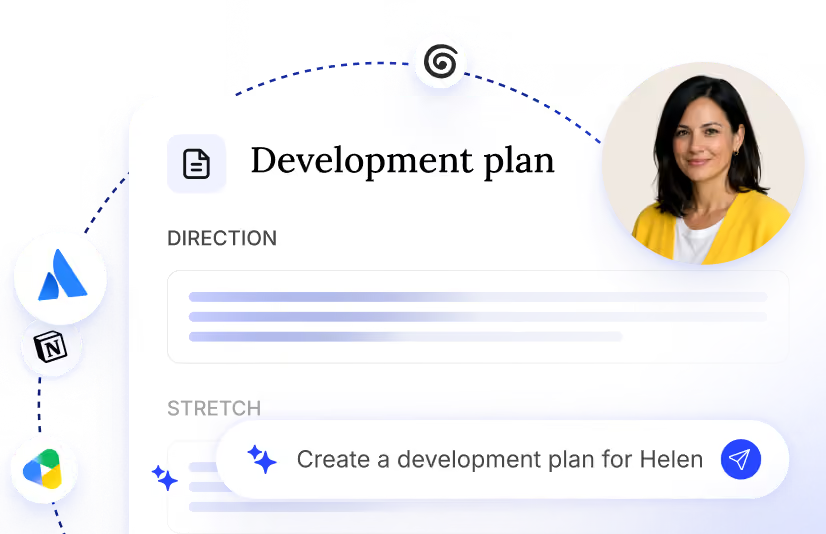
Action plans
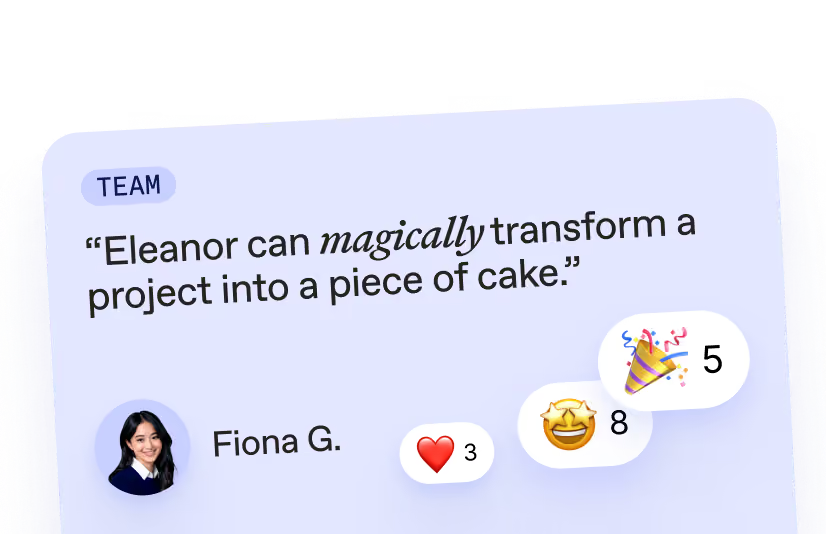
Good Vibes
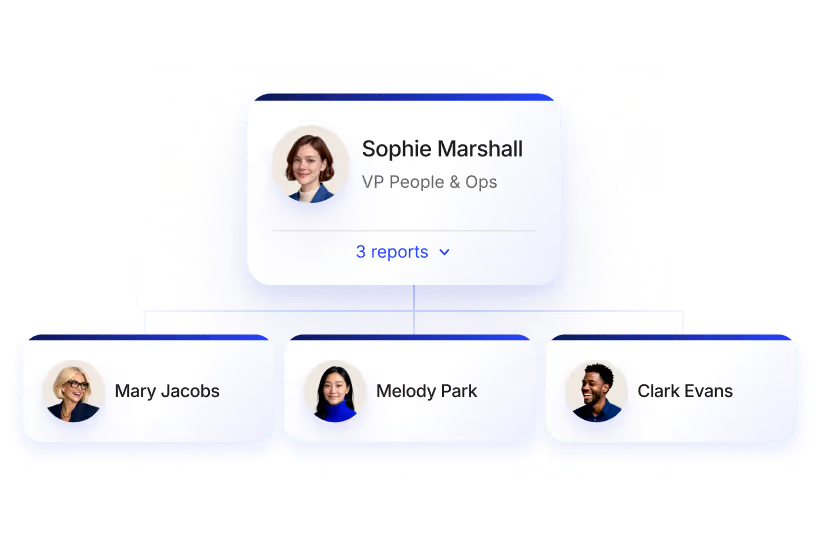
People & Org
Stop leaving leadership *to luck.*
Everything you need to know about Employee engagement
It covers those use cases, pulse surveys, eNPS, anonymous feedback, and does them well. But that's not the whole job. Workleap keeps an eye on your teams so managers always know what's about to slow them down, from hidden pain points to collaboration gaps, so leaders can stay one step ahead.
Not exactly. Officevibe is the predecessor: it gave managers the engagement data. Workleap carries that expertise forward and goes further, reading engagement signals alongside the wider signals of what's slowing a team down, then acting on them instead of leaving a dashboard for managers to interpret alone.
Most employee engagement software stops at the survey and the dashboard. Workleap is built on over 15 years of engagement expertise and data, and uses it to catch what's about to slow a team down, from hidden pain points to collaboration gaps, before anyone flags it. Then it works through the response with managers, so the time goes to acting on what matters, not digging for it.
No. Workleap presents the insights, works through them with managers, and draws from your HR playbook to recommend a response. It gives managers everything they need to use their judgment, but the call on what to say and do stays with them.
Yes. Workleap turns scores, eNPS, and qualitative feedback into a plain-language read, and every report comes with next steps and planning attached, not just a number to interpret on your own.
Workleap collects honest input through anonymous feedback requests, or whenever an employee feels the need to speak up on their own. Responses are built to stay anonymous, so people can be candid. Anonymity controls are available in settings.
Yes. Beyond the recurring pulse, you can create custom surveys on any topic, and Workleap adds its own summaries and tracks trends across every version so results stay usable, not just collected.
A strong alternative is an always-on read, not a single snapshot. Workleap replaces the once-a-year survey with a continuous pulse across multiple sources, so issues get flagged while they're still small instead of showing up in next year's results.
What Workleap surfaces follows best practices and HR's guidelines on what deserves action and planning, so managers see signals filtered against your organization's own standards, not a generic alert list. Reporting access follows however your organization structures permissions.
Companies of any size use Workleap to keep a continuous read on engagement, from growing SMBs installing their first real feedback loop to larger organizations that need every manager working from the same engagement standard. It's the best fit for HR teams who want an early-warning system instead of a once-a-year snapshot, without adding work to every manager's plate.
Team Health, Engagement & Feedback isn't sold on its own. It's one of the capabilities inside Workleap, alongside Performance Reviews, Goals, Meetings & 1:1s, and more, all working from the same shared context on your team. Book a demo to see how it fits your plan.