The Org Chart that knows your people




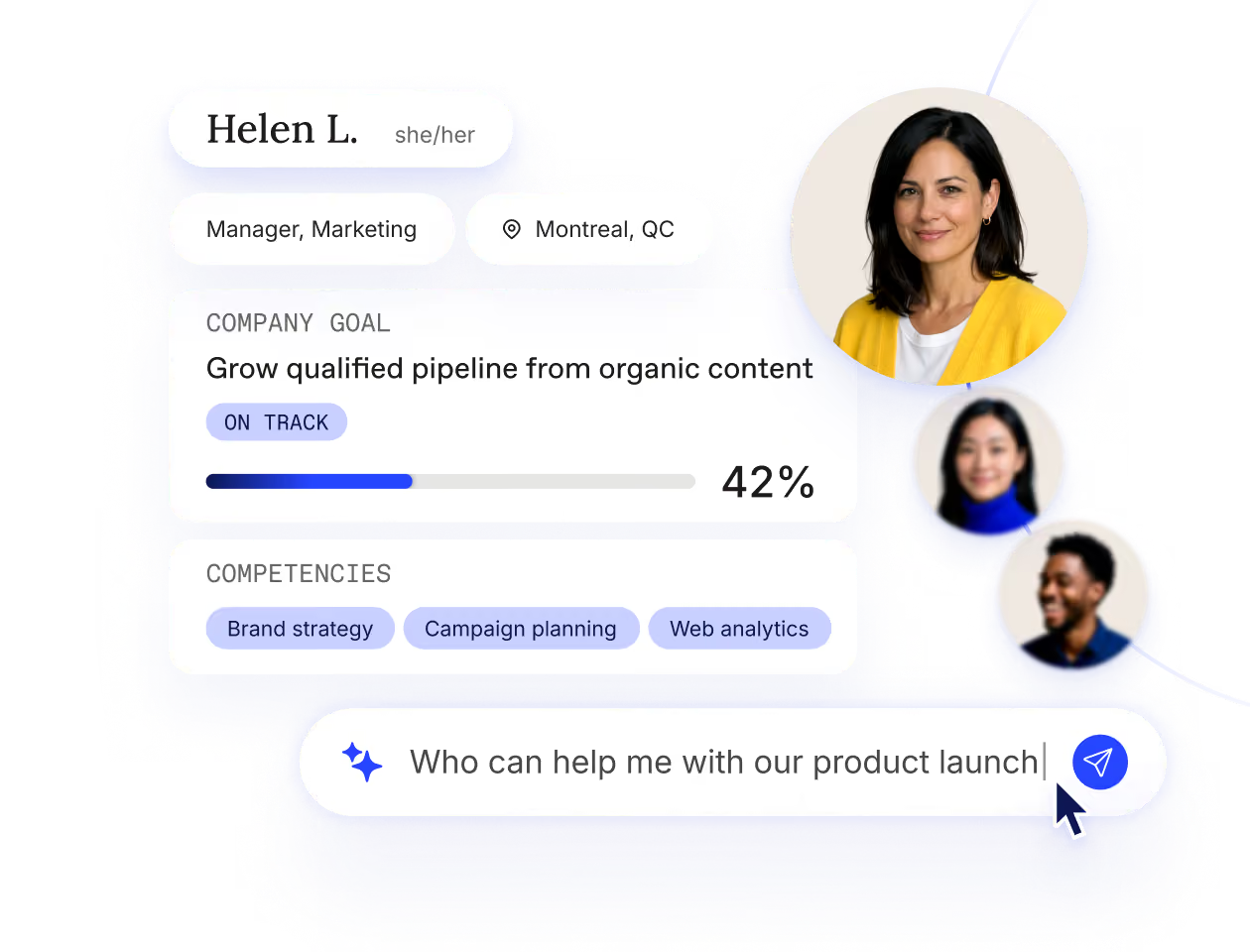
Workleap gives you rich profiles and org visibility.
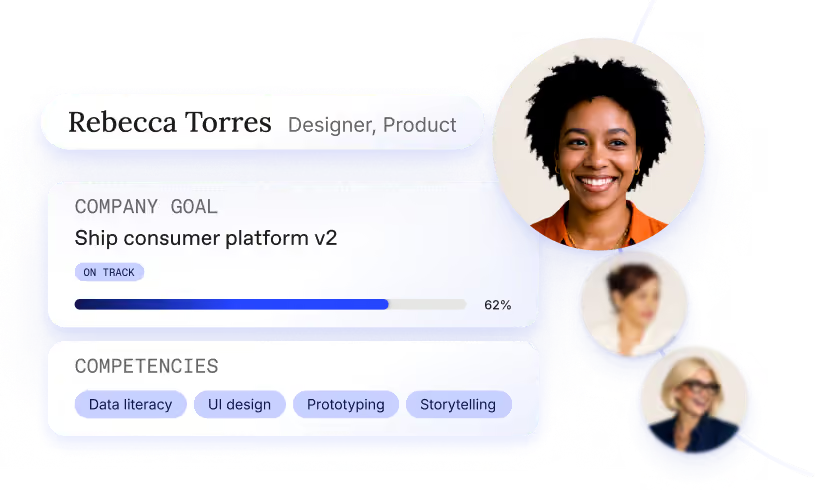
Build a living picture
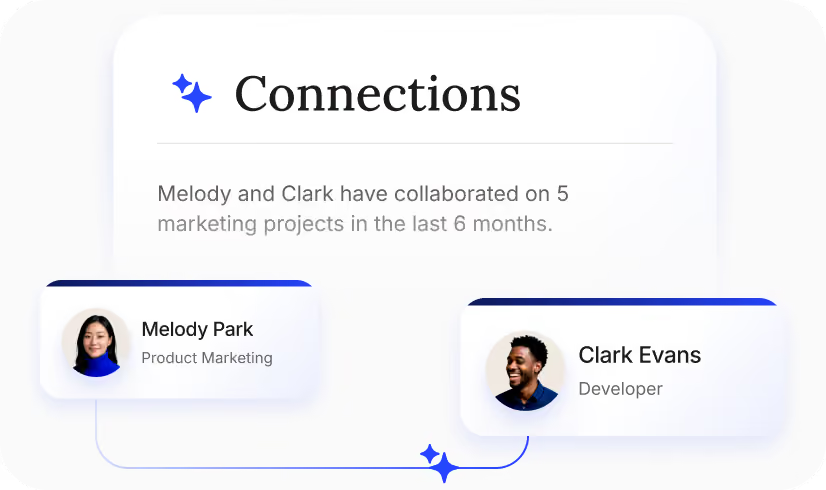
See how the org really connects
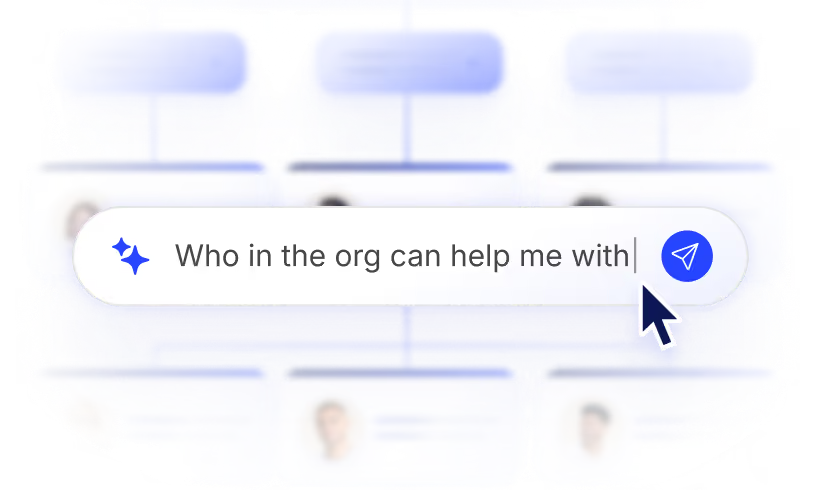
Get context on demand
Your org chart can do much more
Before Workleap
- No easy way to assess talent density.
- You ask around to find who has the right expertise.
- New managers take weeks to grasp team dynamics.
- No single source of truth to understand employees.
.svg)
After Workleap
- See the shape of your business's talent in one view.
- Workleap finds the expertise you need in seconds.
- New managers can see team dynamics instantly.
- Get a full picture of all your people in one place.
HR’s favorite people planning tool
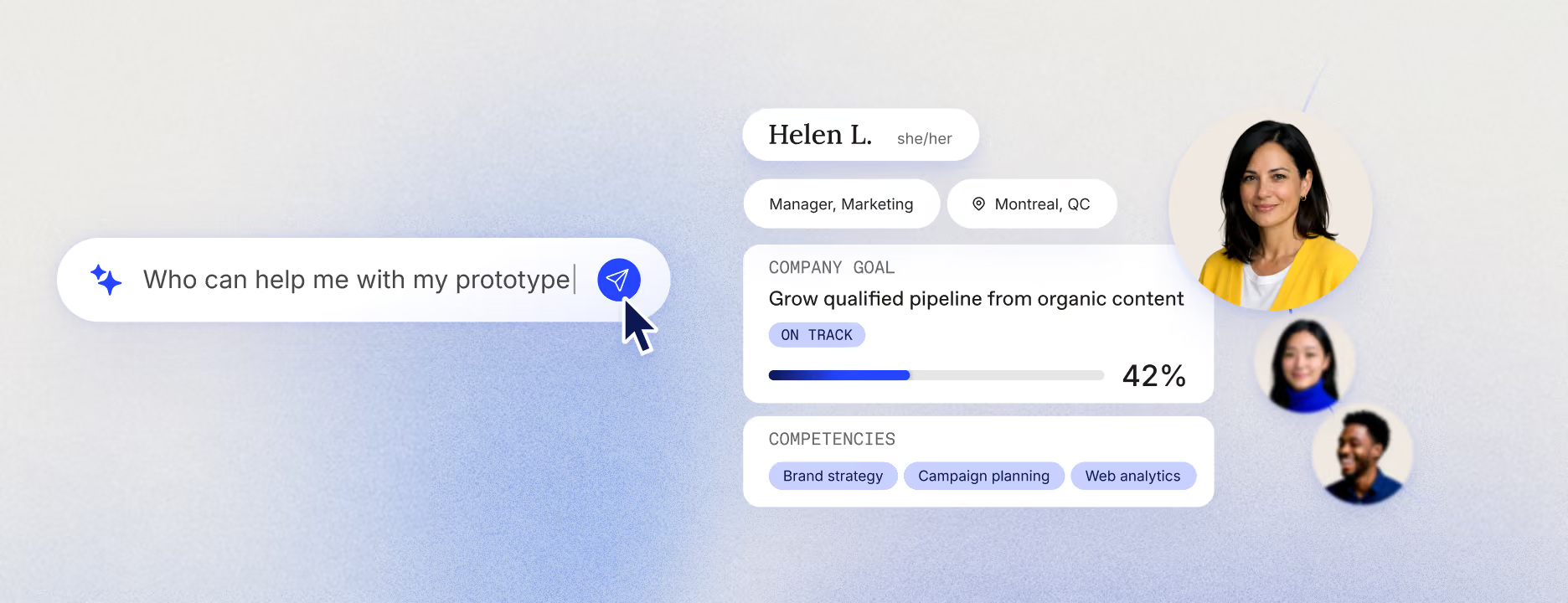
Summarizing an employee
- Pulls role, tenure, projects, collaborators, and recent wins into one clear read.
- Keeps non-confidential context open to managers and gates the sensitive parts based on HR's criterias.
- Grounds every other skill, so drafts and reviews never read like a generic AI.
%201.svg)


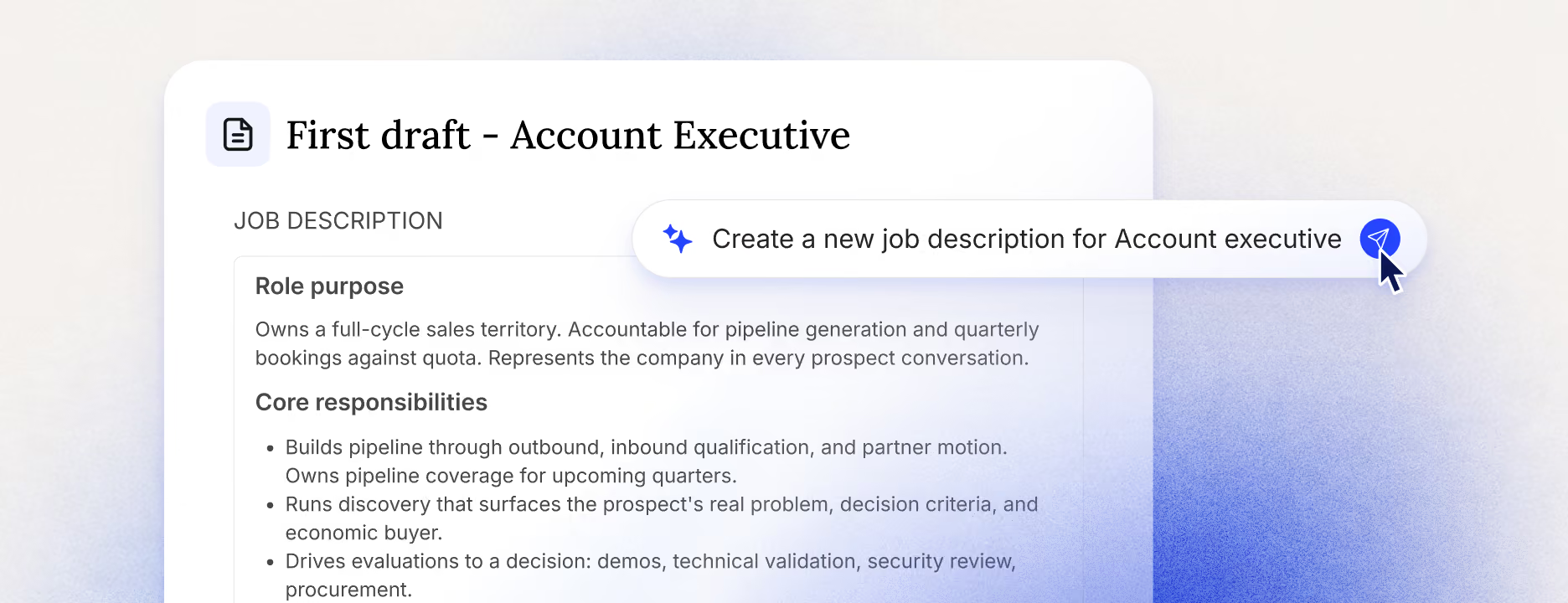
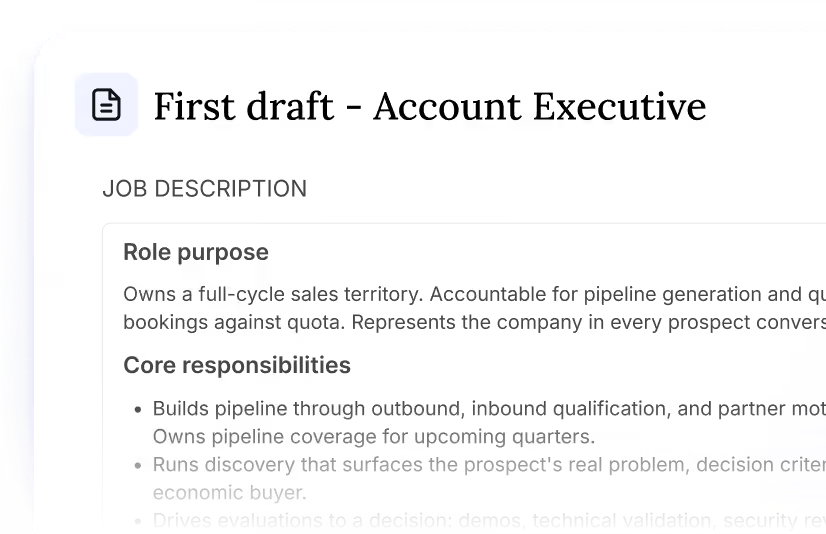
Creating a role
- Captures hybrid roles, specialized expertise, and the actual tools a team works with.
- Follows the structure, rules, and exceptions HR encodes.
- Structure outputs to fit hiring teams' needs or to support specific career conversations.
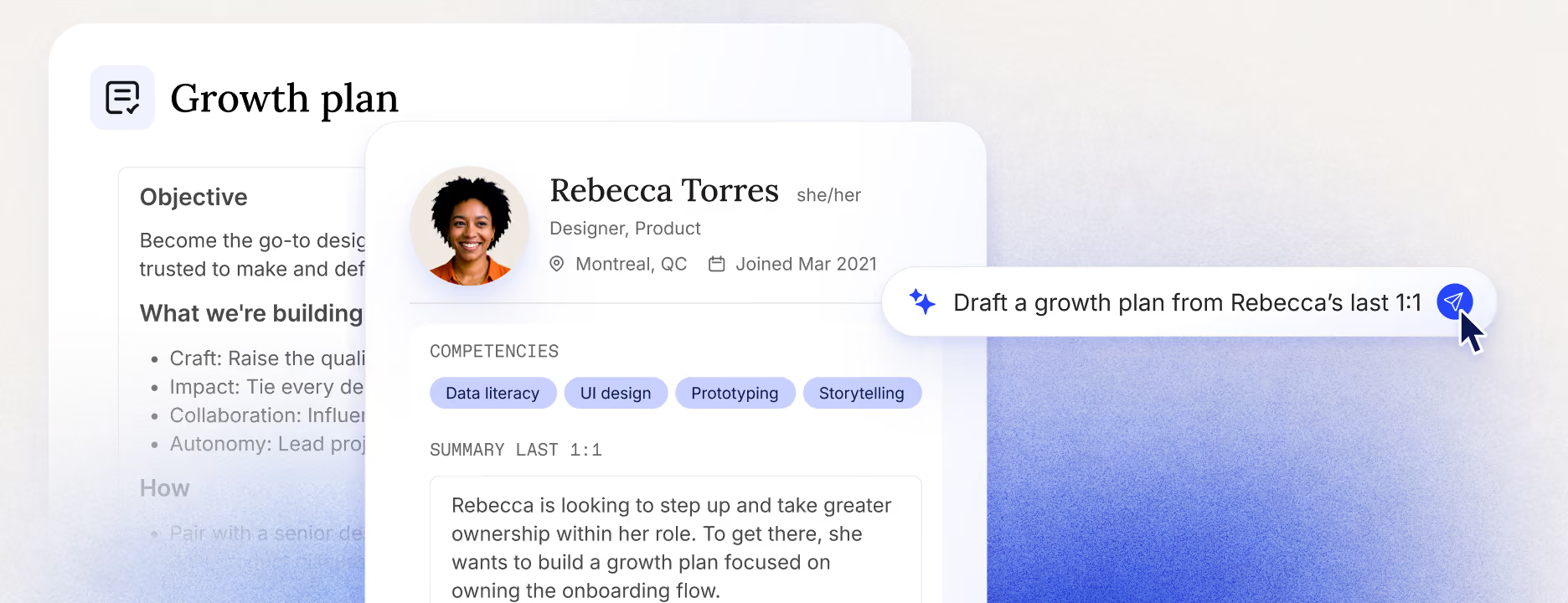
Drafting a plan
- Reads from the person's profile to ensure the plan fits the individual, not a template.
- Feeds our Action Plans capability.
Know what your team is good at and what's holding them back
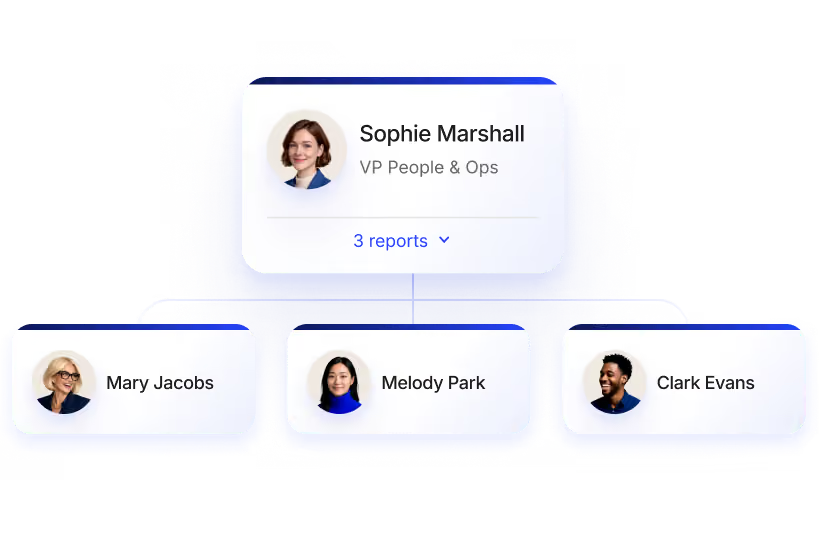
Live org chart
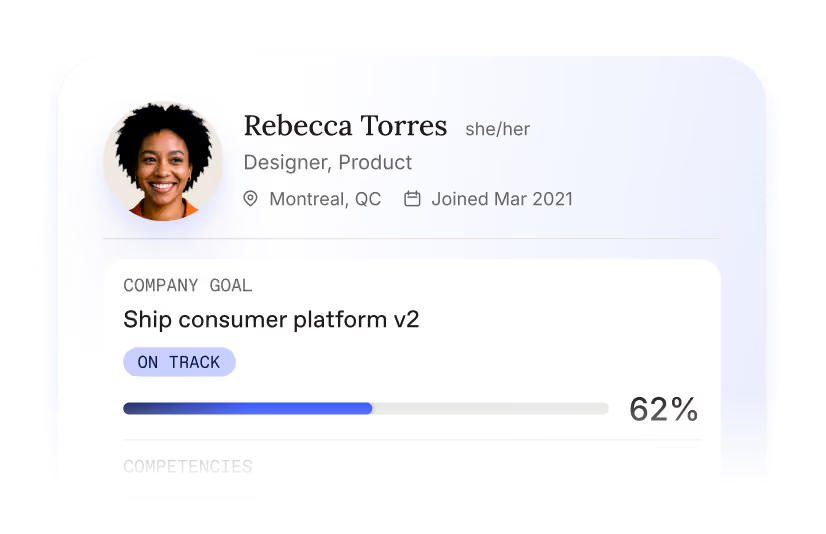
Custom profiles
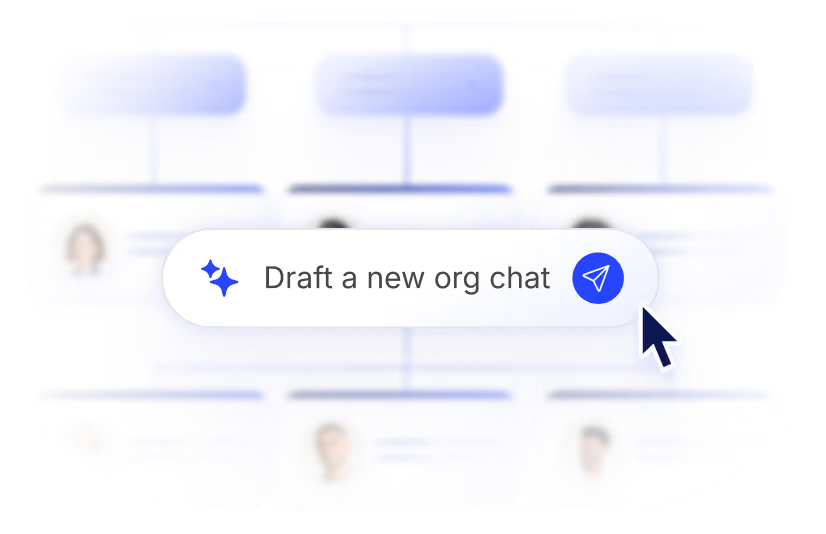
Draft org chart
Directory
Unified employee profile
Job Architecture


We play nice with the tools you love
We connect to the tools you use, from your HRIS to your favorite LLM. Workleap is always where your managers are.
Explore all integrationsOver 70,000 leaders worldwide choose Workleapworldwide



Let’s turn your managers into leaders
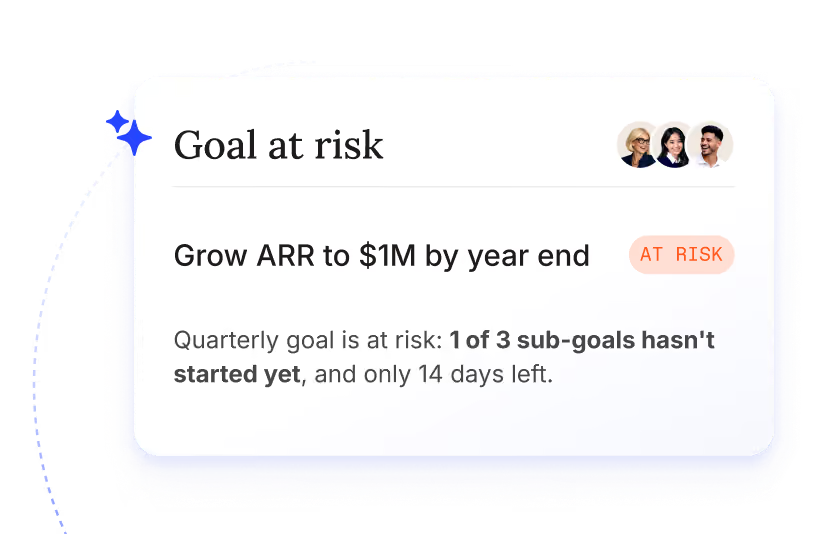
Goals
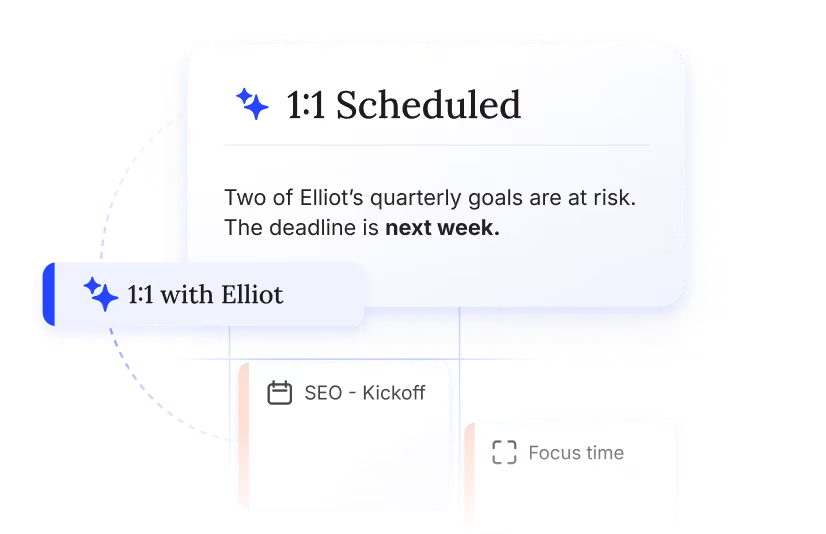
Meetings & 1:1s
Performance reviews
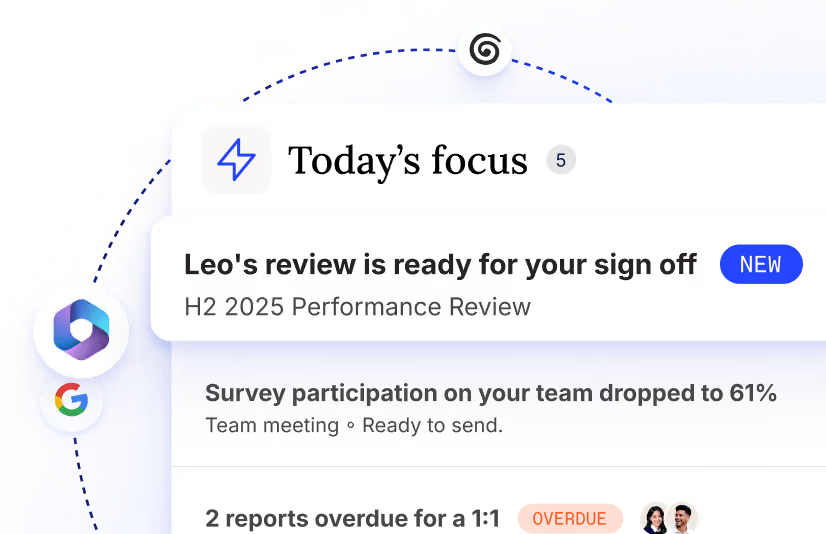
Briefing
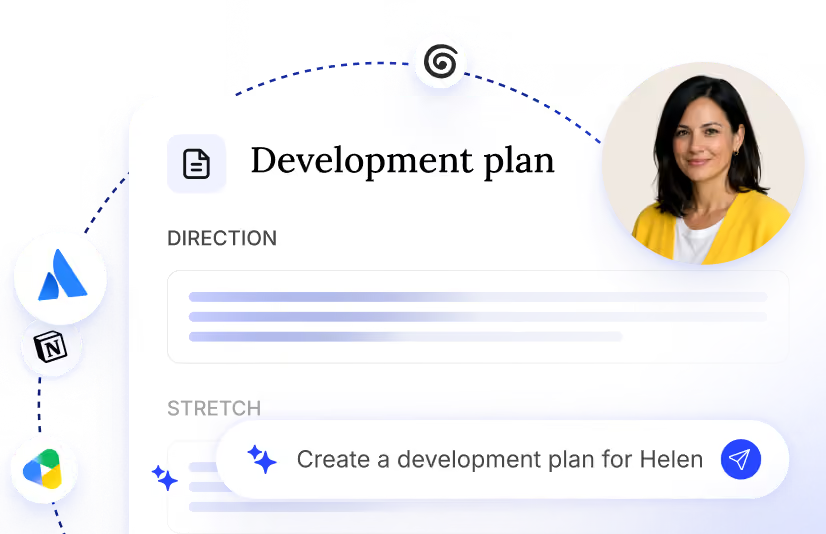
Action plans
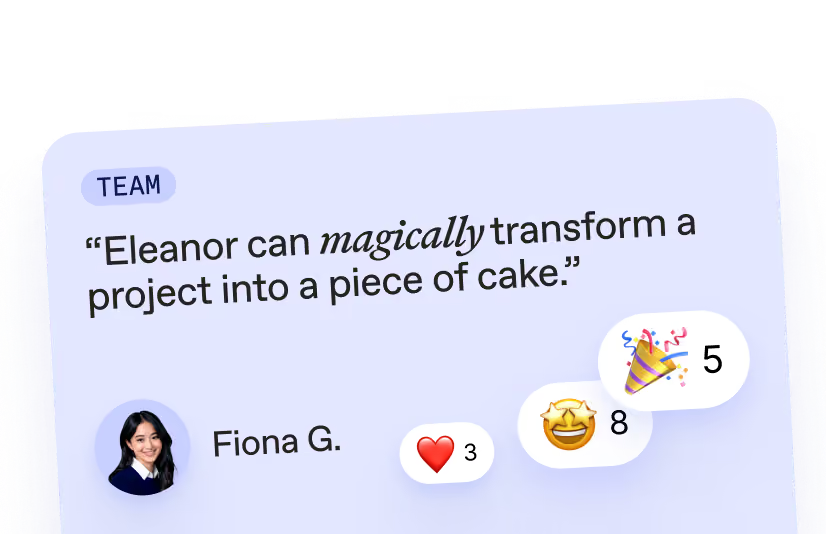
Good Vibes
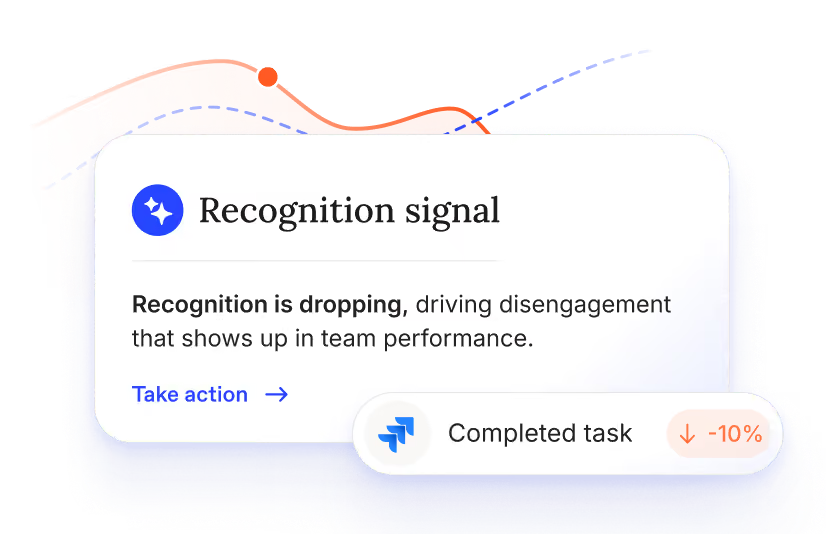
Team health & feedback
Stop leaving leadership *to luck.*
Everything you need to know about People & Org
An org chart shows reporting lines and how teams connect. A directory is built for quick lookup: who does what, and how to reach them. Workleap gives you both in one place, plus what a static chart or list can't show: current projects, collaborators, and recent wins for every person.
Not exactly. Pingboard is the predecessor: it gave companies an org chart and directory. Workleap carries that forward and goes further, adding the context a static chart can't hold, current projects, collaborators, recent wins, so managers get a living picture instead of a diagram of boxes and lines.
Most directories just list names and titles. Workleap builds a living picture instead: role, tenure, current projects, collaborators, and recent wins, and it maps who actually works with whom so you see patterns a static chart can't show.
No. You can draft and test potential org structures or team changes in Workleap, but nothing changes until you decide to. It's a place to see what works before you act, not an automated org-design tool.
New managers usually spend weeks piecing together team dynamics from memory and asking around. Workleap gives them a complete read in seconds: who's on the team, what they're working on, and how they connect, so a new manager understands their team on day one instead of week three.
Non-confidential context, like role, projects, and collaborators, stays visible to managers who need it. Anything sensitive is gated based on the criteria HR sets, so the same profile is useful day-to-day without exposing what shouldn't be shared.
Workleap connects to your HRIS and the tools your team already uses, so profiles and org structure are built to stay current without manual upkeep on your end.
Yes. Beyond the standard role and tenure fields, profiles surface the interests, skills, and expertise that make people easier to find and collaborate with.
Yes. Job Architecture lets you define roles, levels, and career paths in one view your whole team can follow, and the Creating a role skill drafts job descriptions that reflect your actual business instead of a generic template.
Companies of any size use it, from growing SMBs that need a real system before their next hiring wave to larger organizations managing frequent role changes and reorgs. It's the best fit for HR teams who want every manager, especially new ones, up to speed on their team without weeks of asking around.
It isn't sold on its own. It's the foundational layer inside Workleap that other capabilities, like Performance Reviews and Team Health & Feedback, build on, all working from the same people context. Book a demo to see how it fits your plan.