Org charts built for hybrid teams





Make remote collaboration seamless
Visualize
Connect
Strategize
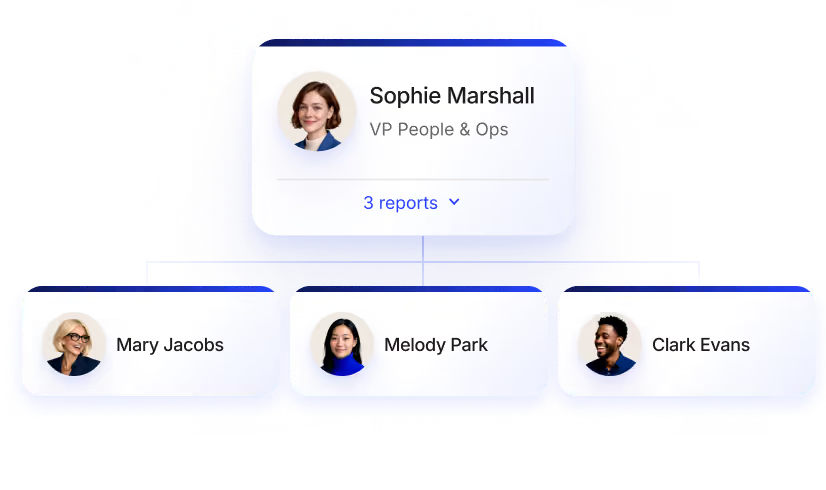
Clarify reporting lines and team structures
- Org chart
Effortlessly illustrate reporting structures, departments, and cross-functional team compositions through an intuitive interface. - Directory
Deep dive into who does what within your org to understand the departments and teams that are crucial for operations.

-p-1080.avif)
Help employees build stronger bonds
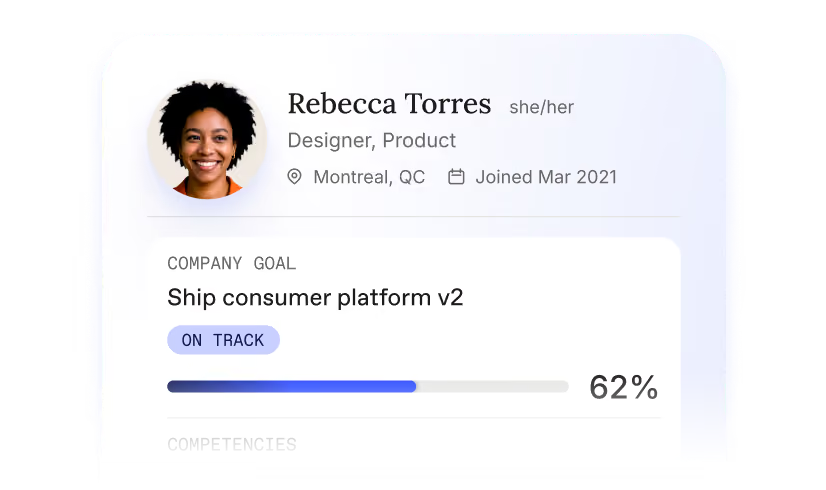
- Custom profiles
Uncover colleagues' unique interests and skills for improved collaboration and productivity. - Directory
Who’s Who game Encourage employees to interact outside their immediate teams with a face-to-name matching game.
Get ahead on resource planning
- Planning org charts
Create private org charts that show you how to allocate resources based on different scenarios. - Collaboration features
Invite others to comment and provide feedback on your private planning org charts.
-p-1080.webp)


We play nice with the tools you love
We connect to the tools you use, from your HRIS to your favorite LLM. Workleap is always where your managers are.
Explore all integrationsOver 70,000 leaders worldwide choose Workleap



Let’s turn your managers into leaders
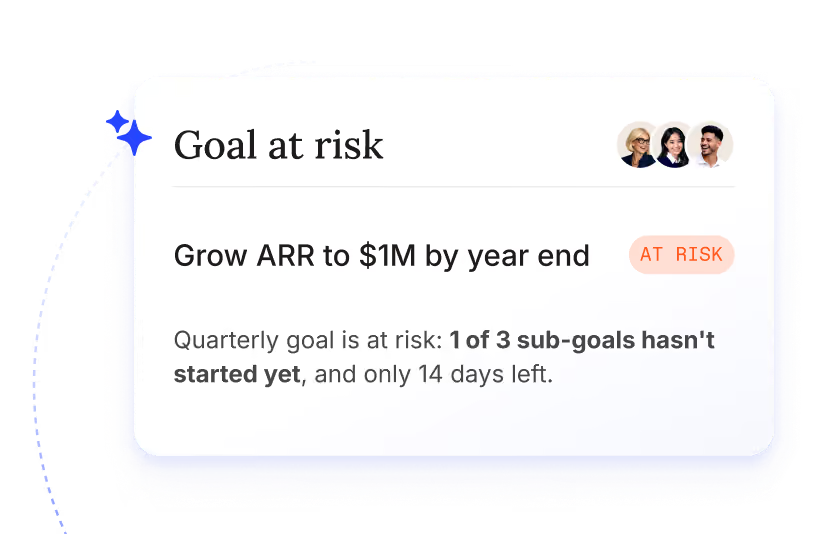
Goals
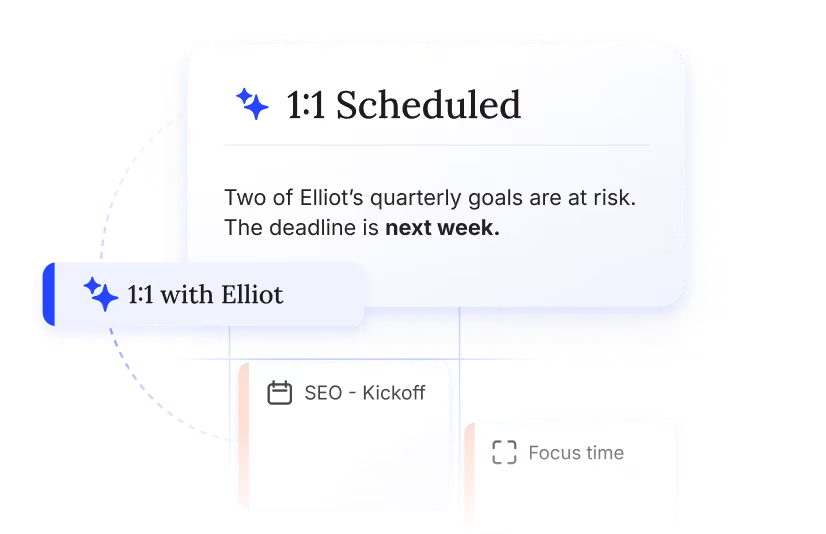
Meetings & 1:1s
Performance reviews
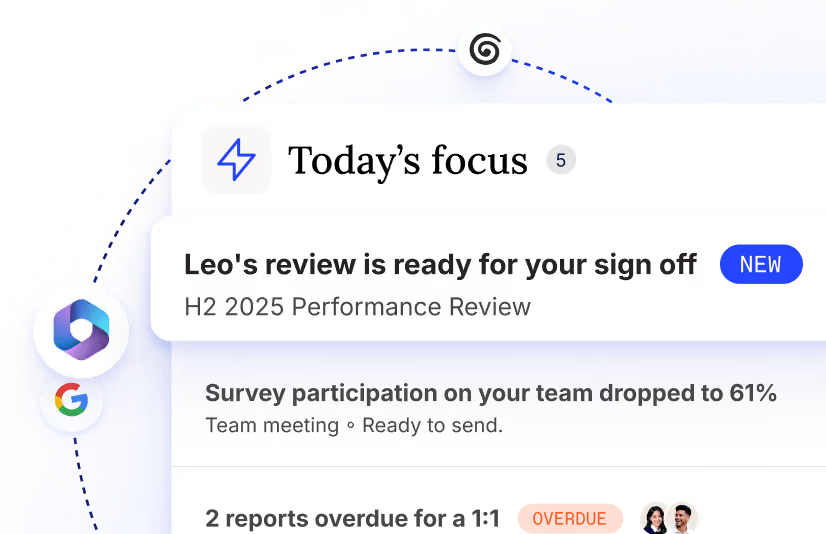
Briefing
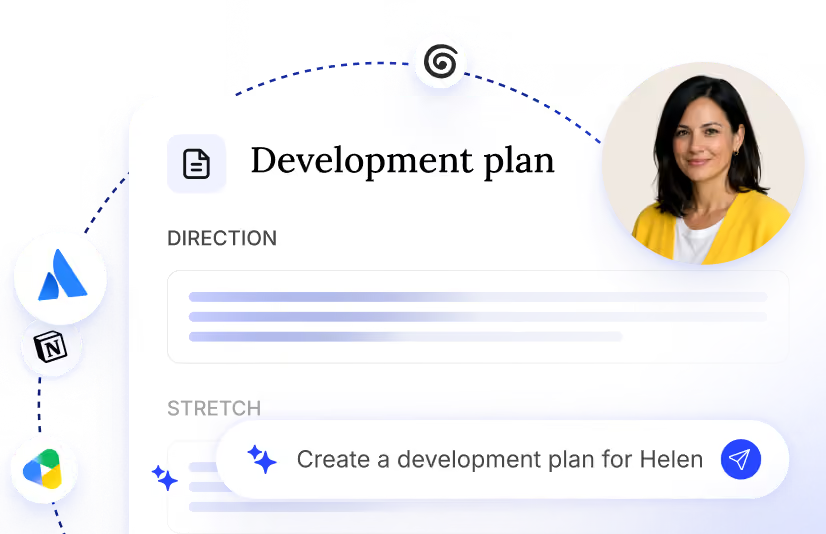
Action plans

Good Vibes
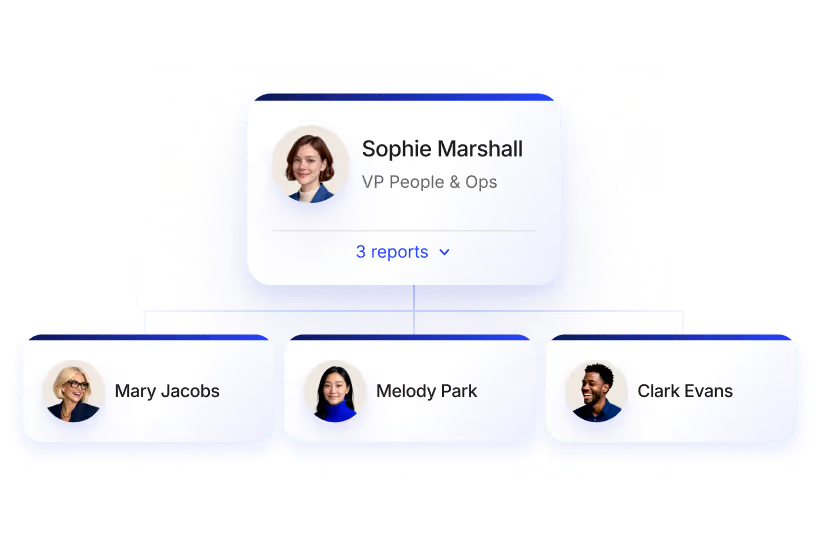
People & Org
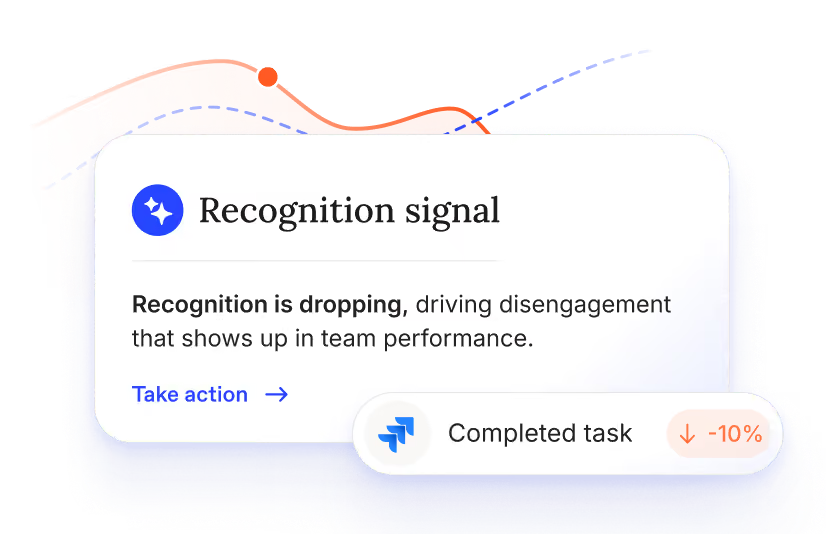
Team health & feedback
Stop leaving leadership *to luck*.
Everything you need to know about Org charts
Pingboard is now Workleap — the same cloud-based org chart and employee directory solution, now part of the Workleap employee experience suite.
Workleap helps companies visualize their organizational and team structure — providing a deep understanding of the people who make up your workforce. Learn more about Workleap here.
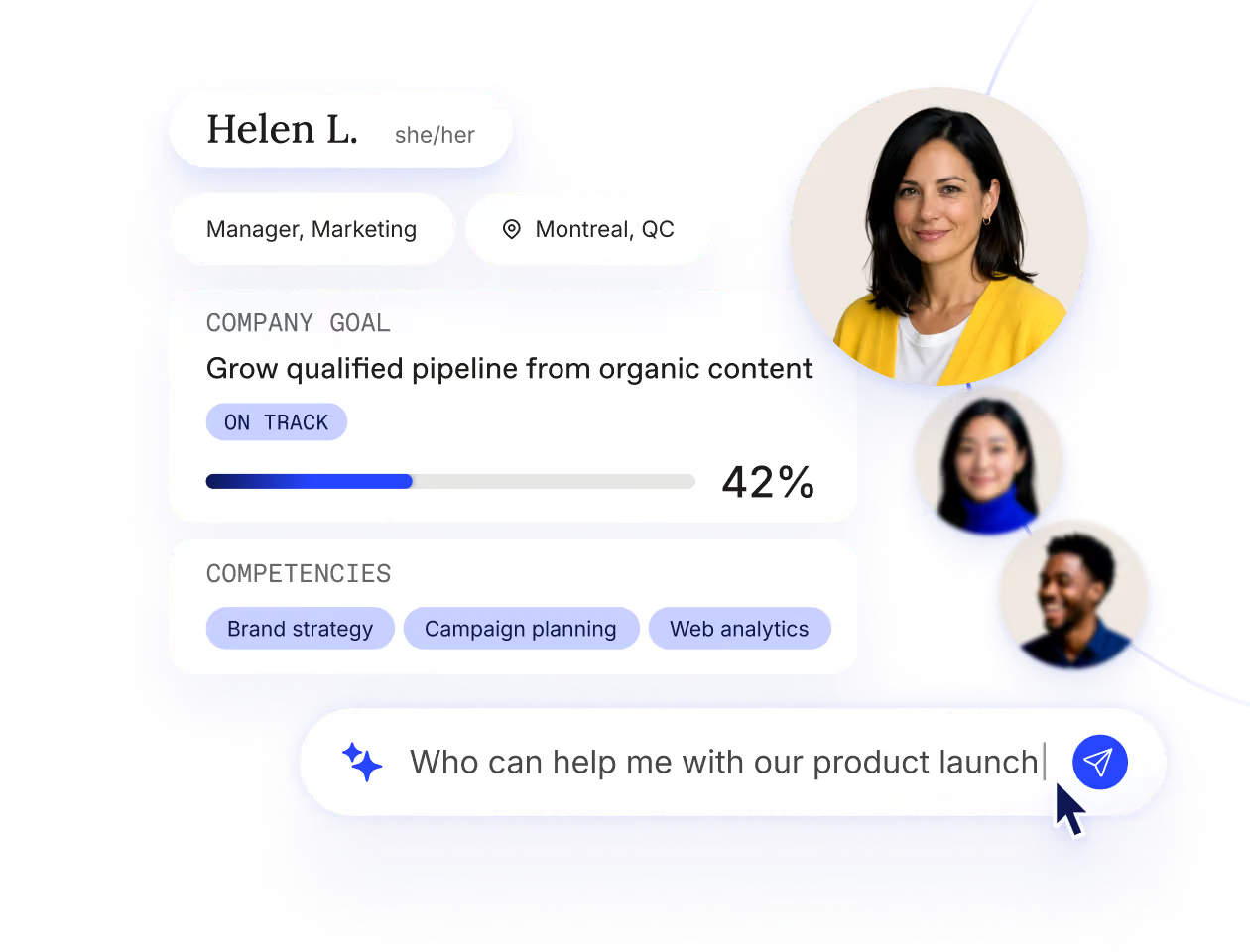
When your employees are distributed across multiple locations, it can be difficult to understand who does what within your organization.
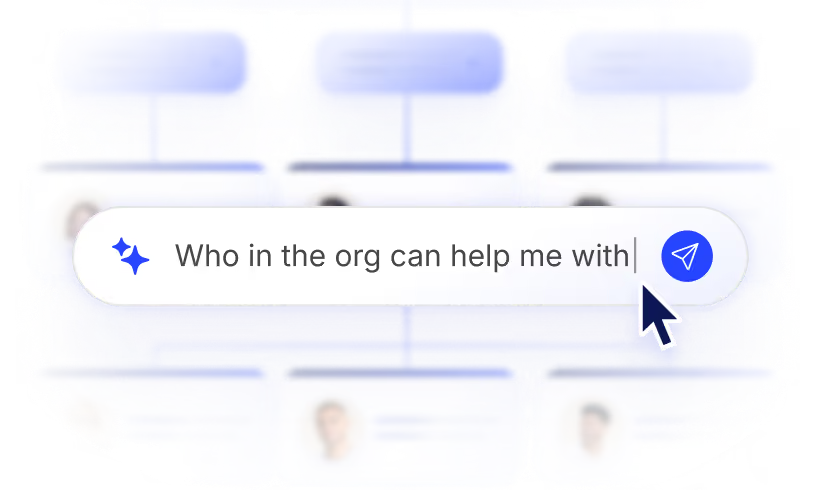
Workleap helps remote and distributed teams quickly understand who makes the most sense to collaborate with or contact across the organization.
Adding employee details to build your org chart and directory in Workleap is simple: You can connect your HRIS using one of our automated integrations or you can upload an Excel file of the relevant employee data.
Yes, you can easily replicate your org chart in Workleap!
If you have an existing org chart in your current HRIS, you'll just need to sync to Workleap to import the employee data. Once that's done, you can replicate your org chart in Workleap.
Helping to protect the confidentiality, integrity, and availability of our customers’ data is incredibly important to us — as is maintaining customer trust and confidence!
For details about our security measures, visit: Org Chart and Employee Directory